43.5 Runs, tags and reproducibility
What you will learn
- How a run is stored: settings, command, log, inputs, results, scripts.
- How tags, pins, names, duplicates and archiving organise a project.
- How the browser keeps your work between sessions.
A run is a folder
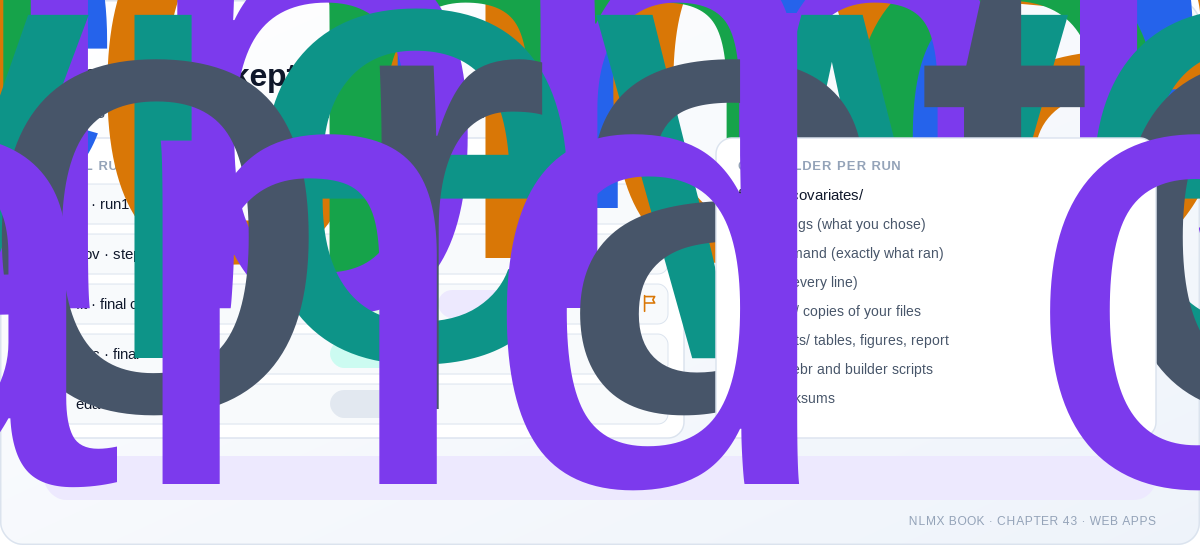
Every run, from every command, is a folder that holds:
- the settings that were chosen (the form values and the settings file);
- the exact command that ran;
- the log, every line the engine printed;
- copies of the input files used;
- the results: tables, figures, the report, and the text summary;
- an
R/folder for scripts saved from the R terminal and the Plot builder; - for sealed exports,
SHA256SUMS, so the files can be verified later.
Because the folder is self-describing, a run can be reopened, repeated with Edit and run again, compared with another, or handed to a colleague or reviewer with no extra explanation.
All runs
In One in nlmx, Maxson in nlmx and Super in nlmx, the page called Complete project analysis runs lists every run of every command in one searchable, filterable table. Filter by command, status or tag. From this one page you can open a run, rename it (the folder keeps its name), duplicate it, archive it, delete it, select two runs of one command and compare them.
Tags and pins
Tag a run with a preset (Final model, Base model, Candidate, Reference, Final dataset, Reviewed, Needs review, Exploratory, For submission, Superseded, Discard) or with your own tag with a name and a colour. Filter the table by tag. Pin a run to keep it at the top.
These are small features with a large effect on a project of fifty runs. Six weeks after the exploratory work, Final model and For submission are still the first things you see. In Maxson and Super, the assistants know the tags: Final model is the run they treat as the best, and they use your names.
Archiving
Archived runs leave every list and every conversation until you retrieve them. In Maxson and Oliver, archiving a run also removes its copies of results and the datasets or models it brought into a conversation, so the assistants stop seeing it. The record stays; nothing is silently lost.
State kept in your browser
What you typed, the open panels, the filters, the position in a table, the theme and the tags are stored in the browser. A refresh, a closed tab or a restart brings you back to the same place. A Saved note in the top bar of the studio apps says when the last change was written. Two limits are worth knowing: stored work belongs to that browser on that computer, and two tabs of the same app share one store, with the later change winning. Work in one tab, and use an app's export to move work elsewhere.
Sealed exports
The studio apps (Prep, BE & DDI, Trial) end in an Export page, and every engine run has a Files tab with a zip of its outputs. The Export page collects everything the session produced in tabs: Overview, Summary, Tables, Figures, Data and code, and Files. Download everything (.zip) packs it, or tick the files you want. The zip holds a README.txt that says what each file is and a SHA256SUMS file, so the contents can be checked years later with a standard checksum tool. Everything is built in the browser; nothing is uploaded to make an export.
Reproducibility in practice
Reproducibility here is not a promise about discipline; it is a property of the design. The preview equals the command, the command is stored, the settings are stored, the inputs are copied, the engine gives identical results for any thread count and the same seed, and the export is checksummed. A reviewer asking can I rebuild this? receives the folder.
Navigation
See the previous page, next page, and the chapter overview.