13A.33 Using other nlmx and NONMEM outputs
Many nlmx result CSV files are ordinary headered tables and can be passed directly to custom. Examples include NCA parameter tables, simulation metrics, fit predictions, VPC numerical summaries, forest data, and autoinit individual estimates. This lets you add a project-specific view without expanding the producing command.
For example, after NCA you can derive a dose-normalized exposure column row by row and make a boxplot, provided AUC and dose already exist in the same row. After fitting, you can plot DV against IPRED or ETA against a baseline covariate from a prediction/table file. custom does not calculate post hoc parameters or reconstruct missing joins.
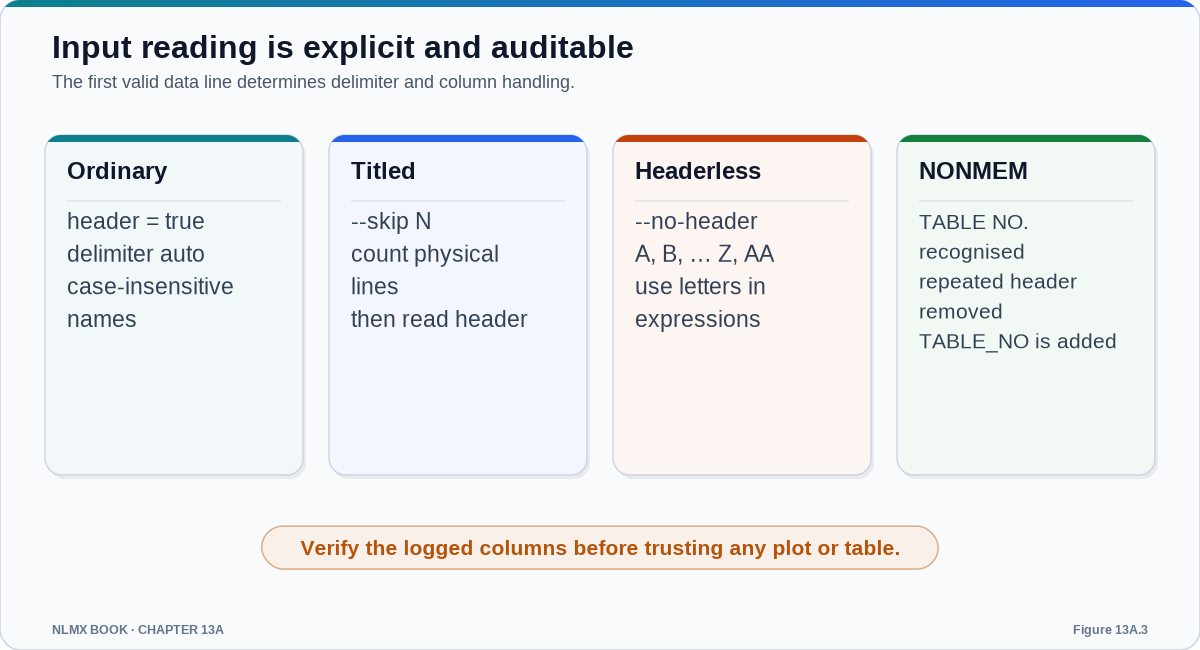
NONMEM sdtab, .phi, and .ext files are also delimited text. TABLE NO. markers and repeated headers are handled, and multiple tables gain TABLE_NO. You remain responsible for selecting the correct problem, subproblem, iteration, or table. The reproduced two-table fixture and its csvlisting demonstrate the mechanism.
Provenance across commands
Keep the producing run's version, settings, checksums, and semantic definitions. A column named PRED can have different meaning under different approximations. custom preserves cells; it does not validate their pharmacometric origin.
When sharing a derived figure, link it back to the exact upstream artifact rather than only to a human-readable report.
Common mistakes
- Joining outputs mentally when the file lacks required variables.
- Plotting every
.extiteration as final estimates. - Ignoring
TABLE_NOin combined files. - Losing the provenance of the producing command.
Checklist
- Identify the producer, version, and column semantics.
- Select the correct table/iteration/record type.
- Confirm all plotted variables coexist in one row.
- Preserve upstream checksums.
- Use the dedicated command for missing derivations.
Further reading
See NONMEM reading, why custom, output provenance, and Chapter 15's NCA outputs.