37.17 Automatic-initialisation settings: purpose, structure, and workflow
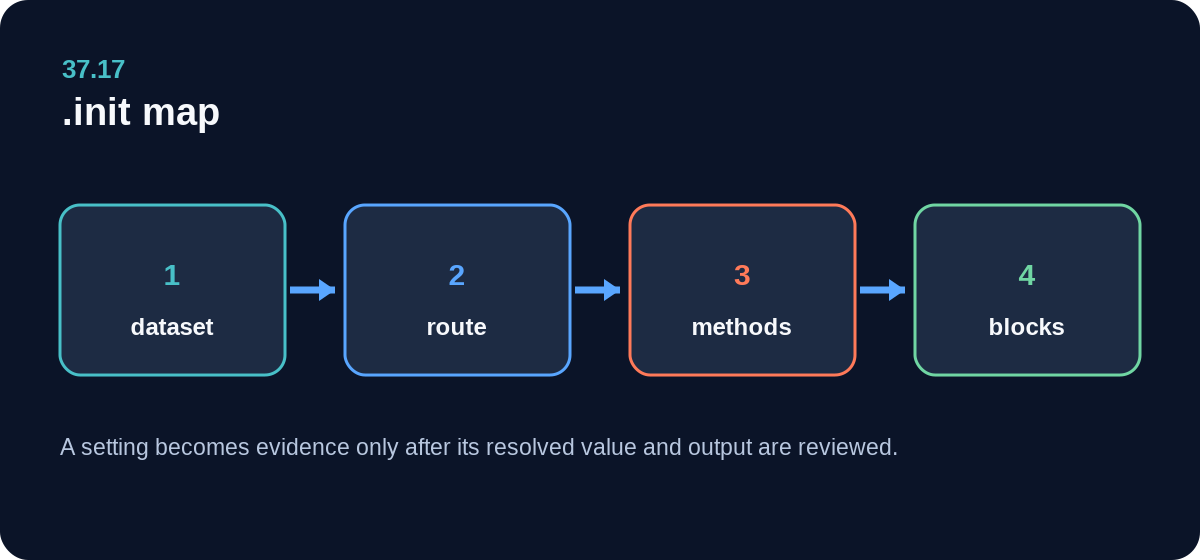
.init is the settings format for autoinit. It maps a PK dataset to route-aware NCA, individual-fit or machine-learning initial estimates and output model blocks. The template snapshot used here was generated by nlmx 4.16.2; its SHA-256 is 57964d7ed2dc1900e5eb051ac81e34d17a2807d9aa75aff87b0afdc1765c5984.
Why this file matters
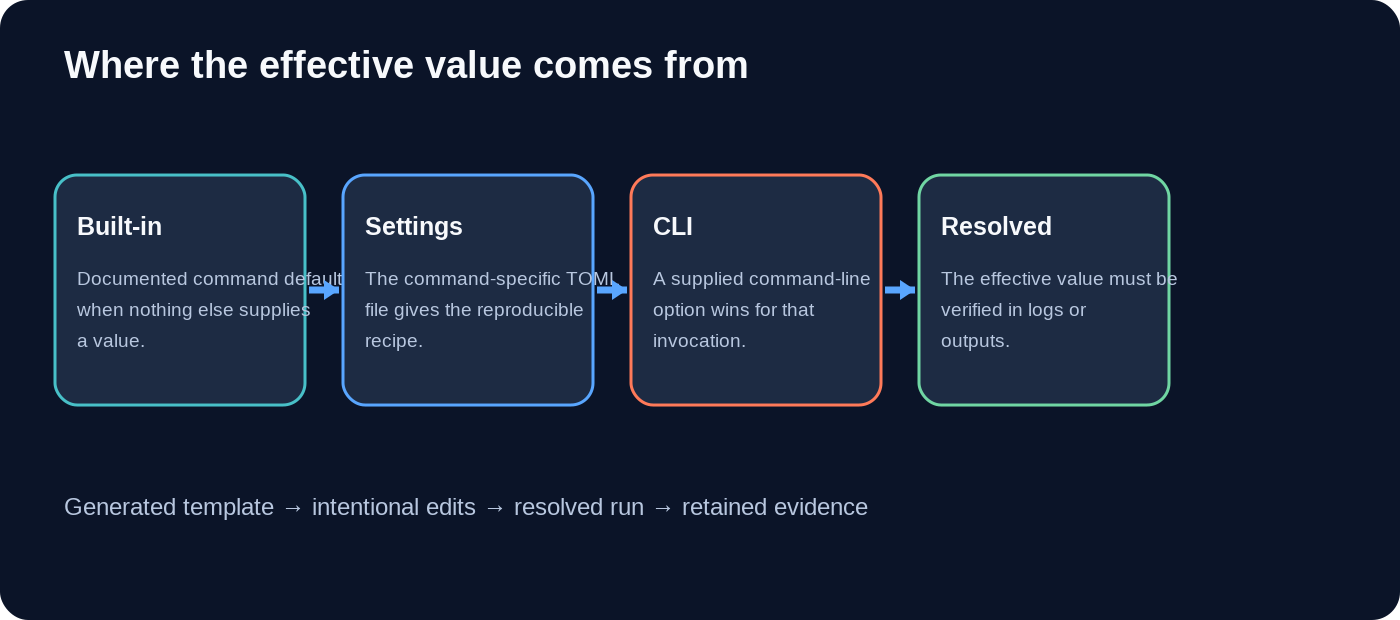
Initial estimates affect convergence and local solutions; they are starting values, not evidence that a structural model is adequate. Treat the file as controlled analysis source. A reviewer should be able to connect each active value to a design decision, data convention, method choice, output requirement or operational guardrail.
Generate and begin safely
nlmx autoinit --print-config study.init
nlmx autoinit -c study.init --output disposable-review
For .covar, generate the reference with nlmx schema --format toml and save it with the required extension. For every format, compare command-specific help before relying on the generic example above; commands differ in positional inputs, validation modes and whether --output is appropriate.
Template map
The snapshot represents 30 unique dotted key paths across 4 tables or top-level groups. Commented assignments are possibilities or examples; uncommented assignments form the generated example. The next page catalogs every represented key.
| Table | Unique keys represented | Review focus |
|---|---|---|
data |
19 | values and interactions inside this settings group |
autoinit |
6 | values and interactions inside this settings group |
units |
3 | values and interactions inside this settings group |
output |
2 | values and interactions inside this settings group |
Important interactions
- Confirm route detection, dose records and concentration units.
- Grouping pools only the studies or regimens intended.
- Compare methods when the data are sparse or absorption is poorly informed.
- Review emitted THETA/OMEGA/SIGMA blocks before inserting them into a model.
Novice workflow
First identify the input population and artifact version. Second, delete or leave commented every option you do not intend to control. Third, edit one table at a time and keep short comments explaining study-specific values. Fourth, run into a new disposable folder and verify resolved inputs, paths, warnings and output count. Fifth, compare the result with the scientific question and expected behavior. Finally, retain the settings, command transcript and reviewed outputs together.
What validation can and cannot prove
Parsing proves that TOML syntax and recognized keys are acceptable. Command validation may prove that referenced data and values satisfy implemented checks. Neither proves that the selected population, endpoint, method, threshold or model is scientifically justified. That judgment belongs in the analysis plan and review record.
The exact generated snapshot is available at documents/ch37/reference/templates/nlmx.init.
Navigation
See the previous page, next page, and complete settings reference.