36A.2 Quick start and the three input modes
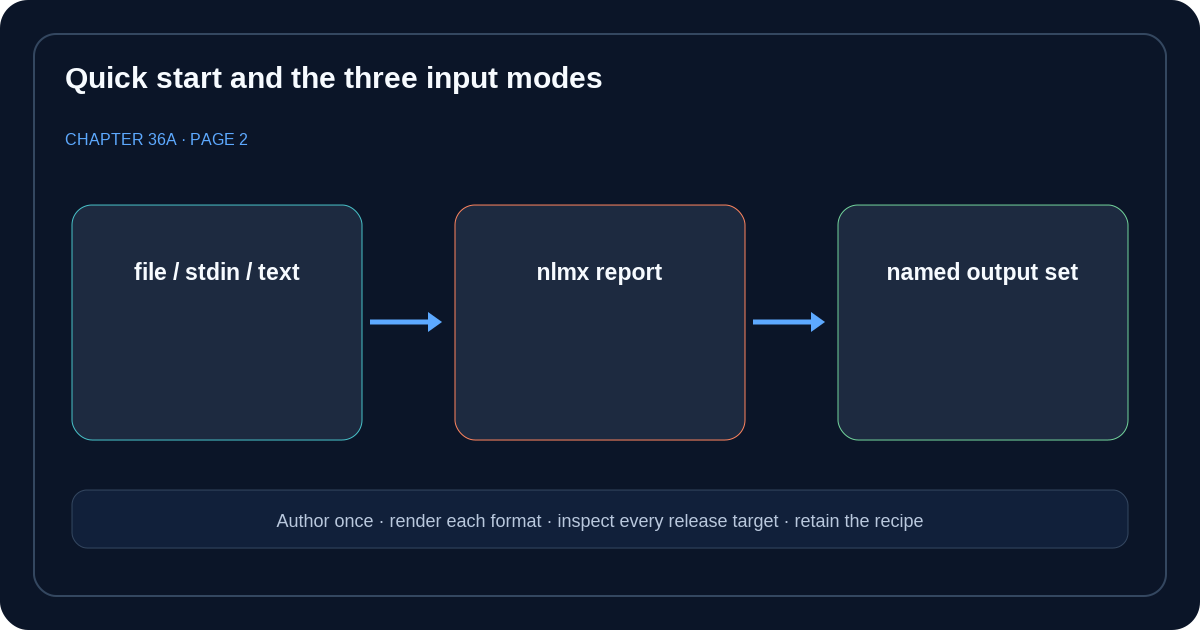
nlmx report publishes one Markdown source into retained Markdown, Word and PDF by default, with optional HTML. The command solves document generation; it does not validate the scientific analysis or approve its interpretation. Treat the source Markdown and .report file as the controlled recipe, and treat every released format as a separate review target.
File input
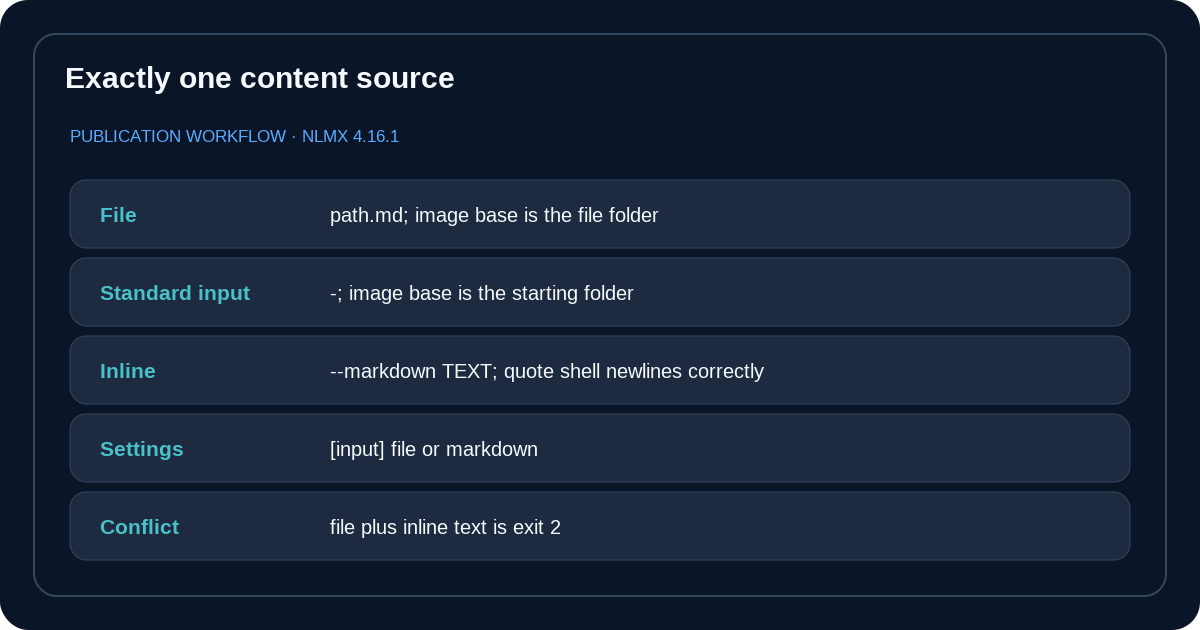
nlmx report analysis.md is the normal interactive form. The Markdown file's stem becomes the default output base name, and its folder is the base for relative image paths. By default the output folder is <input folder>/<stem>_report. Use -o and --file-name when a controlled deliverable path/name is required.
Standard input
Use nlmx report - when another program produces Markdown. The command reads until end of input. Because there is no source file folder, relative images are resolved from the process starting directory. The executed standard-input example intentionally produced an image warning for this reason while still exiting 0. Automation must inspect warnings, not only status.
Inline text
--markdown TEXT is convenient for short generated notes. Shell quoting matters: in PowerShell, a double-quoted string or here-string is needed for escape sequences such as `n to become newlines; a single-quoted string preserves them literally. POSIX quoting differs. Prefer a file once content contains tables, equations, many quotes, or provenance.
Exactly one content source is allowed: positional file/-, [input] file, [input] markdown, or CLI --markdown according to precedence. A positional file plus inline Markdown is exit 2. Empty input is exit 10.
Executed examples are retained under Chapter 36A results: full (settings/file input), inline, and stdin.
Copyable invocation patterns
nlmx report report.md -o deliverables --file-name study_report --toc
nlmx report -c study.report --log-file report.log
nlmx report --markdown "# Short note" --no-docx --no-pdf --html
producer | nlmx report - --file-name nightly -o deliverables
For automation, prefer file or stdin input over a long inline value because shell quoting can change Markdown. Always give --file-name for stdin/inline work; otherwise the base is report. When using a config from another directory, use an absolute output path in 4.16.2 or verify the resolved path printed at startup. A successful stdin pipeline inherits the producer's encoding and may lose its exit status unless the shell enables pipeline failure handling.
Practical review questions
- Does the released content answer the stated question without exceeding the evidence?
- Can every number, table, figure and decision be traced to a retained native file and run?
- Were all generated targets—not merely the source—inspected after the latest change?
- Are warnings, failed runs, limitations and unverified steps visible rather than silently omitted?
- Could another qualified analyst rebuild the same document from the retained recipe?
Navigation
See the previous page, next page, and complete report reference.