37.21 Visual-predictive-check settings: purpose, structure, and workflow
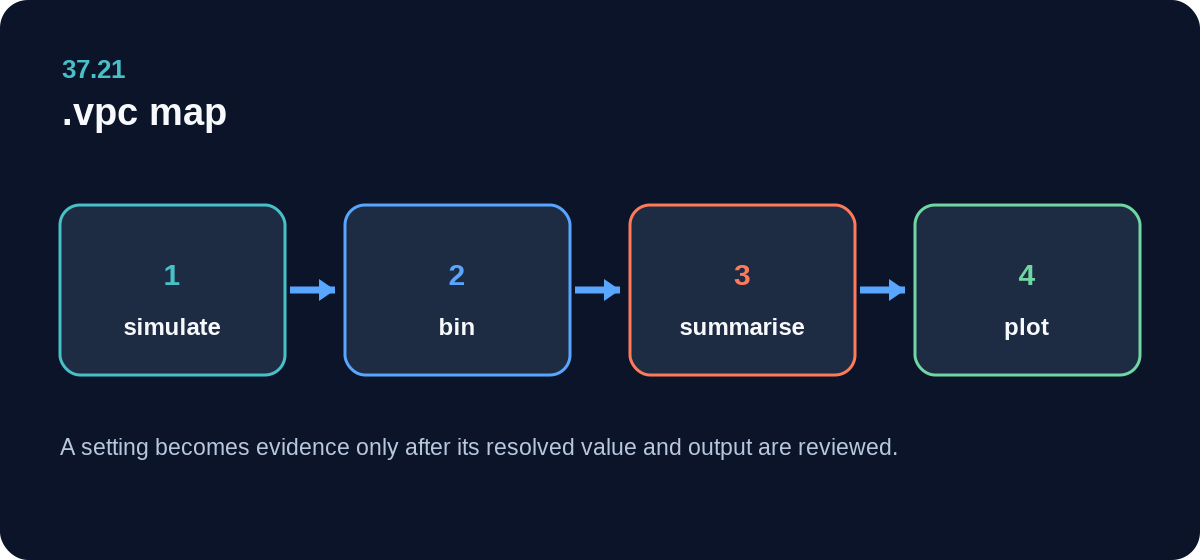
.vpc is the settings format for vpc. It selects the fitted artifacts, simulation count, stratification, binning, prediction/variability correction, NPC, uncertainty and plots. The template snapshot used here was generated by nlmx 4.16.2; its SHA-256 is e4f4f9452113ec2869bb29b0e1f292487e9b7d57fd4a23cd30a4b48bdbebf8ed.
Why this file matters
Binning, censoring, correction and stratification choices can make a model-data discrepancy more or less visible. Treat the file as controlled analysis source. A reviewer should be able to connect each active value to a design decision, data convention, method choice, output requirement or operational guardrail.
Generate and begin safely
nlmx vpc --print-config study.vpc
nlmx vpc -c study.vpc --output disposable-review
For .covar, generate the reference with nlmx schema --format toml and save it with the required extension. For every format, compare command-specific help before relying on the generic example above; commands differ in positional inputs, validation modes and whether --output is appropriate.
Template map
The snapshot represents 56 unique dotted key paths across 9 tables or top-level groups. Commented assignments are possibilities or examples; uncommented assignments form the generated example. The next page catalogs every represented key.
| Table | Unique keys represented | Review focus |
|---|---|---|
inputs |
4 | values and interactions inside this settings group |
vpc |
20 | values and interactions inside this settings group |
prediction_correction |
3 | values and interactions inside this settings group |
binning |
5 | values and interactions inside this settings group |
npc |
1 | values and interactions inside this settings group |
uncertainty |
4 | values and interactions inside this settings group |
output |
4 | values and interactions inside this settings group |
plots |
9 | values and interactions inside this settings group |
plots.colors |
6 | values and interactions inside this settings group |
Important interactions
- Use the fitted control stream and estimates from the intended qualified run.
- Prespecify bins or document adaptive-bin behavior.
- Check observed and simulated denominators in every stratum.
- Parameter uncertainty changes the predictive distribution and should be stated explicitly.
Novice workflow
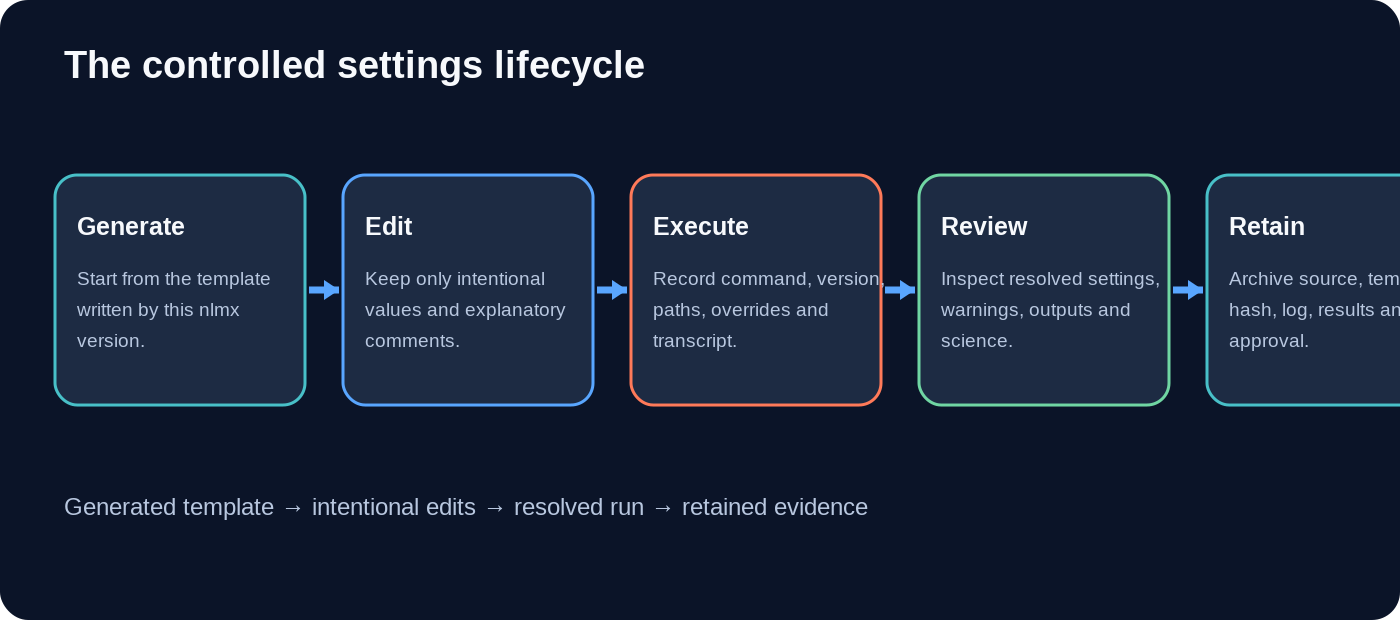
First identify the input population and artifact version. Second, delete or leave commented every option you do not intend to control. Third, edit one table at a time and keep short comments explaining study-specific values. Fourth, run into a new disposable folder and verify resolved inputs, paths, warnings and output count. Fifth, compare the result with the scientific question and expected behavior. Finally, retain the settings, command transcript and reviewed outputs together.
What validation can and cannot prove
Parsing proves that TOML syntax and recognized keys are acceptable. Command validation may prove that referenced data and values satisfy implemented checks. Neither proves that the selected population, endpoint, method, threshold or model is scientifically justified. That judgment belongs in the analysis plan and review record.
The exact generated snapshot is available at vpcdocuments/ch37/reference/templates/nlmx.vpc.
Navigation
See the previous page, next page, and complete settings reference.