43.22 Free, Pro, validated use and limits
What you will learn
- How to think about Free and Pro use.
- How data are handled by each kind of app.
- The limits to keep in view, collected from every app.
Free and Pro
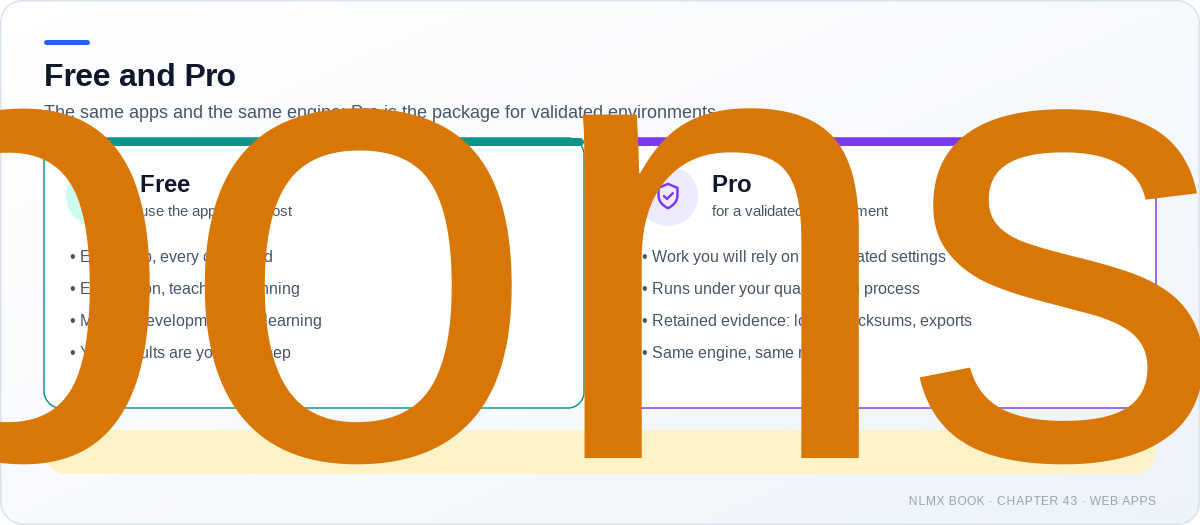
The nlmx apps are hosted: you open them and work. Use is free, and the same apps, engine and results are available to everyone. When work must be done in a validated environment, the Pro package is the way to use them. The exact scope and cost of Pro are set and published by the provider, so this book does not restate them; check the current offer before you plan around it.
| Free | Pro | |
|---|---|---|
| Typical use | Exploration, teaching, planning, method development, learning | Work you will rely on in a regulated or otherwise validated setting |
| Apps and commands | The suite | The suite |
| Engine and results | The same | The same |
| Evidence | Run folders, logs, checksummed exports | Run folders, logs, checksummed exports, within your qualification process |
The design of the apps supports validated use whichever package you are on: the exact command is shown, the settings and inputs are stored, results are identical for any thread count and reproducible with a seed, and exports carry checksums. What turns a tool into a validated tool is your own qualification of the environment and its use, which stays your responsibility.
Qualification in practice
For work that will support a decision or a submission:
- Fix the environment you will use, and keep the run folders as evidence.
- Qualify the analyses you rely on against cases with known answers. DataGen, the example libraries (the planted-problem QC sets, the 120-subject study, the NCA datasets) and
simulate-studyare built for exactly this. - Keep the exports with their checksums, and verify them when you return to the work.
- Record review with tags (Reviewed, For submission) and a written report.
- Apply the scope notes of each app, summarised below.
Where your data go
- Prep Studio, BE & DDI Studio and Trial Simulator compute in your browser. Nothing is uploaded to make an analysis, and the exports are built in the browser. (Prep Studio's optional
qc-datacheck and the engine-based apps use the service.) - Engine-based apps (DataGen, QC, EDA, NCA, Models, Exposure Lab, One, Maxson, Super) send your files to the service for the run, where the nlmx engine processes them in a private run folder visible to you. Runs are private to the visitor.
- Maxson keeps data on the service.
- Oliver sends messages, manual passages and result digests to OpenRouter and the model provider. Do not use it for data that must not leave the service.
- R terminal and Plot builder run in your browser; the R runtime is downloaded to your browser once.
Apply your own data-protection rules before uploading, and use de-identified data wherever possible.
Limits collected
- Results need judgement. Covariate results need confirmation with a full-model fit. Maxson is a small model and can be wrong; check conclusions against the results.
- Scope notes of BE & DDI Studio. Fixed-effects fit; scaled-method rules as published; regulators may require specific software; static DDI inputs come from your own in vitro work; hepatic prediction is an approximate liver model; not validated for regulatory submissions without your own qualification.
- Scope notes of Trial Simulator. One endpoint, no PK covariates, no multiplicity adjustment, constant effect within the trial, simultaneous entry, no interim analyses.
- Prep Studio. Delimited text only, tables in browser memory, dates without time zones.
- Viewers and tools. The table viewer opens files up to a size limit, the Plot builder draws up to 20,000 rows at a time, and the service sets limits on upload size, run time, simultaneous runs and runs per hour.
- Browsers. The R terminal needs a browser that runs WebAssembly.
- nlmx itself. The apps display what nlmx computes; the scope of each command is described in the chapters of this book.
Positioning, stated plainly
For automation and AI-assisted workflows in pharmacometrics, the suite combines things that are usually separate: a native engine without a compile step, forms with exact command previews, chained runs, replayable recipes, Compare designed for review, an offline assistant, a manual-grounded large-model agent that cannot start a run from a question, and sealed exports. The claim of this chapter is that this combination, delivered ready to use in a browser, is the reference to measure other workflows against, and the limits above are what keeps that claim honest.
Where to go next
Return to the chapter overview, or begin a project with the worked study. For the engine behind the apps, the command chapters of this book give the full definitions, formulas and evidence.
Navigation
See the previous page and the chapter overview.