16.24 Regimens, summaries, report, and plots
The remaining output bundle supplies design context, human review, and reproducibility.
regimens.csv
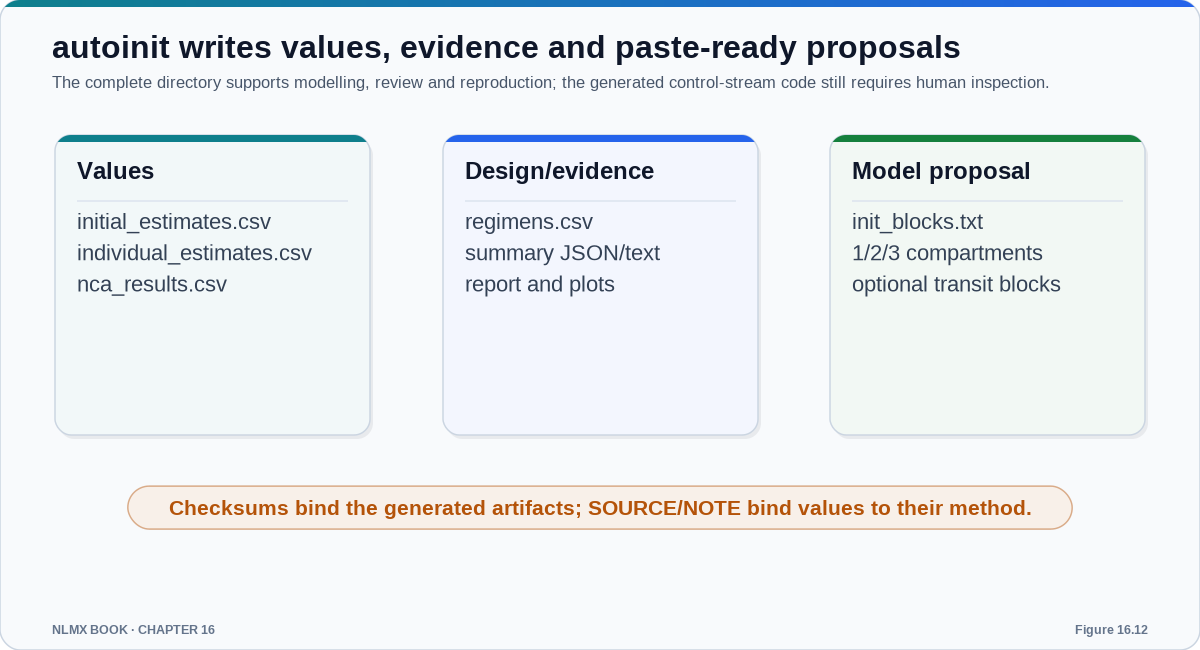
One row per mapped group records subjects, route, doses, doses per subject, interval, steady-state status, infusion duration, samples per subject, and sampling range. With no group mapping, one pooled row is still produced. Review it before interpreting any method result.
Text and JSON
autoinit_summary.txt is the console listing: counts, route evidence, dose proportionality, regimen summaries, estimates, residual errors, correlation, and notes. autoinit_summary.json provides dataset metadata, routes, method, group results, regimens, notes, and elapsed seconds for machine use.
The JSON is not a replacement for CSV schemas; it is a structured snapshot of the run. Preserve null/missing distinctions and version the consumer.
HTML report
report.html combines tiles, method tables, regimen information, web figures, generated code, and notes. [output] html=false suppresses it. Use CSV for exact unrounded validation and HTML for review/navigation.
Publication plots and provenance
With plotting enabled, plots/profiles.png, individual_cl.png, and individual_v.png are written when supported, with SVG under plots/svg/ for svg|both. The directory also contains a log and checksums.sha256.
Conditional files are part of the interface. For example, a method-specific evidence file or individual histogram can be absent because its method was not selected or did not provide usable estimates. Automation should distinguish an expected conditional absence from an interrupted run by checking the command status, summary notes, log, and mandatory core files together.
Common mistakes
- Ignoring
regimens.csvwhile debugging a parameter. - Parsing the text listing as a stable CSV.
- Validating rounded HTML display values.
- Keeping blocks but deleting their source evidence.
Checklist
- Review regimen rows against protocol.
- Use JSON/CSV for machines and HTML/text for humans.
- Inspect all generated plots and notes.
- Validate checksums after copying.
- Archive the complete directory plus
.initand input hash.
Further reading
See plot controls, initial estimates schema, blocks, and Chapter 10's output guidance.