36A.8 Tables that survive Word, PDF, and HTML
nlmx report publishes one Markdown source into retained Markdown, Word and PDF by default, with optional HTML. The command solves document generation; it does not validate the scientific analysis or approve its interpretation. Treat the source Markdown and .report file as the controlled recipe, and treat every released format as a separate review target.
Design the table before typing Markdown
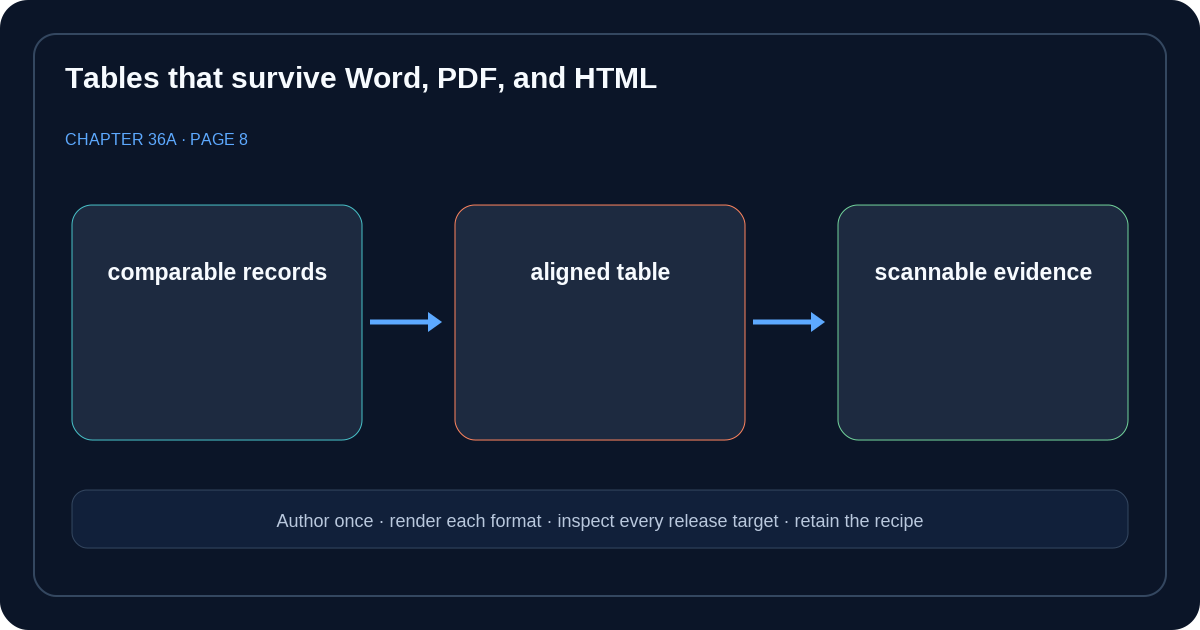
A Markdown table needs a header row, separator row and one row per record. Colons in the separator define left, center and right alignment. Use tables for values readers compare across repeated fields: parameter estimates, model comparisons, QC findings, decisions, scenarios or provenance. Keep long explanations in prose.
Choose column units and interval level in headers. State denominator and population in the caption/source. Use consistent significant digits without manufacturing precision. Avoid placing an entire command or long path in a narrow cell; a footnote or provenance appendix is better.
Word receives a semantic table with a header row. PDF repeats the header on later pages and can split long rows. HTML receives a normal table. These capabilities do not guarantee a good layout: wide tables can force small text or overflow, and a landscape page setting applies to the whole report, not one isolated table.
For a wide evidence table, first remove redundant columns, shorten headers, wrap sensible fields, or split the table by question. Only then consider landscape, smaller type or reduced margins. Inspect every page transition and confirm rows/columns did not swap or truncate. A CSV remains the authoritative machine-readable source; the report table is a selected presentation.
Table release test
Compare the rendered table with its native CSV: row count, order, headers, units, missing-value representation, signs, decimal places and interval endpoints. Then test layout: header contrast, alignment, wrapping, repeated headers, page split and caption/source proximity. If a table needs 7-point text or clipped labels, redesign it rather than forcing it onto a page. Consider a selected summary table in the report with the full CSV retained as evidence. Mark simulated/illustrative values unmistakably; visually polished tables can otherwise be mistaken for clinical results.
Practical review questions
- Does the released content answer the stated question without exceeding the evidence?
- Can every number, table, figure and decision be traced to a retained native file and run?
- Were all generated targets—not merely the source—inspected after the latest change?
- Are warnings, failed runs, limitations and unverified steps visible rather than silently omitted?
- Could another qualified analyst rebuild the same document from the retained recipe?
Navigation
See the previous page, next page, and complete report reference.