13A.4 Titled, headerless, and NONMEM tables
Not every analysis file starts with column names. --skip N ignores the first N physical lines before delimiter and header processing. This is appropriate for a report title, units banner, or run description above a real header:
nlmx custom titled_data.csv --skip 1 --table-kind listing --head 8 --no-plots
The reproduced output is the titled-file listing. Lines are counted as written, including blank and comment lines, so inspect the source rather than guessing N.
Files without names
--no-header is equivalent to --header false. Every line becomes data, and columns receive spreadsheet-style names A through Z, then AA, AB, and so on:
nlmx custom headerless.csv --no-header --geom point --x B --y C
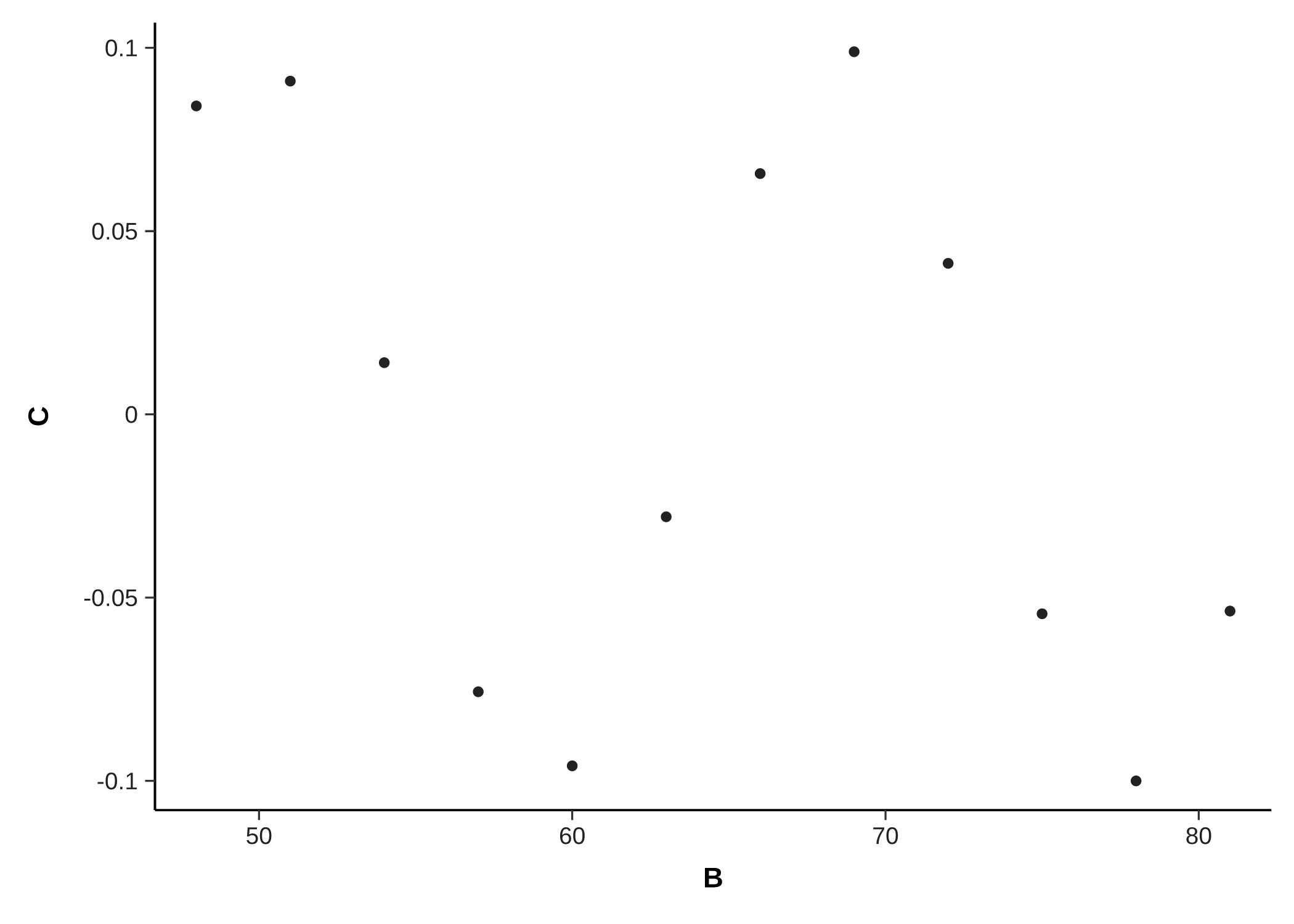
Use those assigned letters in filters and mutations. Do not combine --no-header with --header true; the contradiction is rejected.
NONMEM tables
TABLE NO. n lines are recognised and removed automatically, including extended descriptors. Repeated table headers are removed, and a TABLE_NO column is added when multiple tables occur in one file. The reproduced csvmulti-table listing contains 30 rows and distinguishes the two source tables.
A .phi, .ext, or sdtab file may contain names with parentheses. Quote them at the shell, for example --x "ETA(1)". custom reads the table; it does not interpret NONMEM semantics or select a final estimation record for you.
Common mistakes
- Applying
--skipto ordinaryTABLE NO.markers that are already recognised. - Forgetting that a headerless repeated first line becomes data.
- Assuming
TABLE_NOmeans study or occasion rather than file table number. - Plotting every
.extiteration as if it were a final estimate.
Checklist
- Count title lines exactly.
- Inspect assigned A/AA column names in headerless files.
- Confirm the number of NONMEM tables and
TABLE_NOvalues. - Select the intended record type before summarising.
- Quote shell-sensitive column names.
Further reading
See input types, listing tables, other command outputs, and worked evidence.