36A.3 Structuring a pharmacometric report
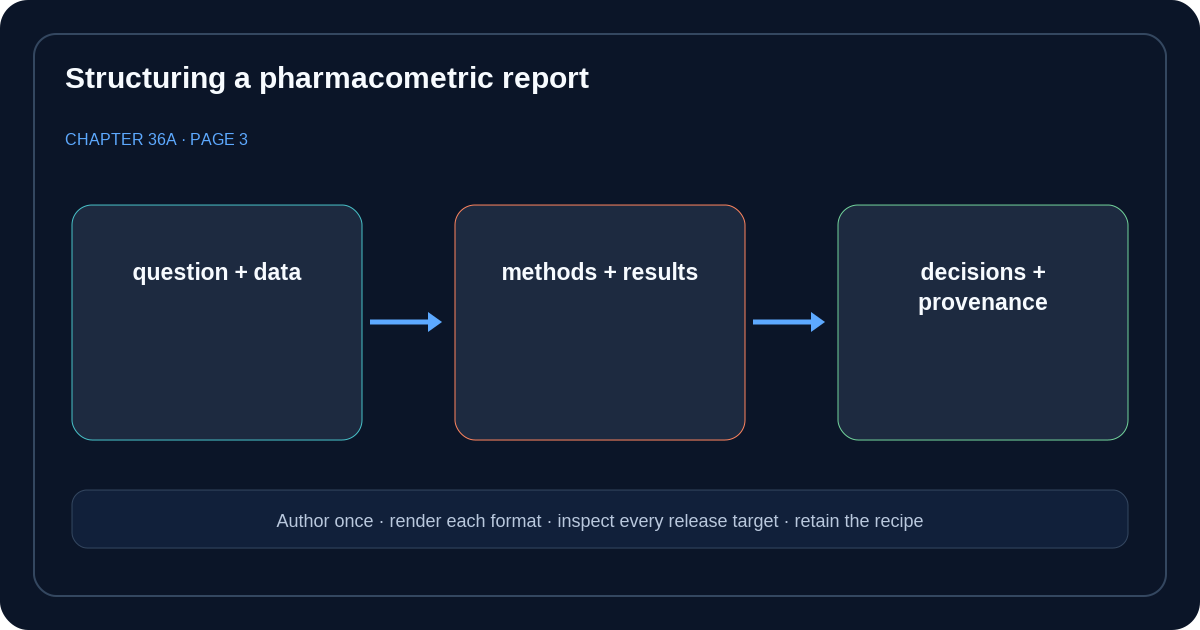
nlmx report publishes one Markdown source into retained Markdown, Word and PDF by default, with optional HTML. The command solves document generation; it does not validate the scientific analysis or approve its interpretation. Treat the source Markdown and .report file as the controlled recipe, and treat every released format as a separate review target.
A novice-safe outline
Start with the decision the reader needs, then supply the evidence in a predictable order:
- Summary: question, population/data, principal estimate with uncertainty, conclusion and primary limitation.
- Objectives: one testable question per statement.
- Data: study design, subjects/records, doses, endpoint timing, exclusions, missingness/BLQ rules and QC disposition.
- Methods: software/version, model/parameterization, estimation, covariate rule, evaluation, simulations and decision thresholds.
- Results: native counts first, then estimates/uncertainty, diagnostics, sensitivity and unsuccessful analyses.
- Conclusions: answers in the same order as objectives, without extending beyond evidence.
- Limitations and decisions: assumptions, deviations, failures, unresolved warnings and required follow-up.
- Provenance appendix: hashes, commands, settings, seeds, folders and report recipe.
Remove sections that truly do not apply; do not fill them with boilerplate. Keep results and interpretation adjacent but distinguish them. Tables are best for repeated comparable values, while methods and limitations need connected prose.
A short report can still use this structure. A one-plot request may need only purpose, data/method, figure with source, interpretation/limit, and provenance. A regulatory or submission-facing report may require a separate protocol, SAP, validation and approval framework beyond this command.
Drafting from an analysis folder
Begin with a one-sentence objective and a table of source files. Write Data and Methods from frozen settings/control streams, then Results from native files. Place each figure immediately after the paragraph that explains what to inspect. Write limitations while reviewing warnings and failed candidates, not after the preferred result has been selected. Finally write Conclusions and Summary, ensuring each conclusion answers an objective and every summary value appears below with a source. A novice should ask a second reader to navigate using only headings and captions; if the reader cannot reconstruct the argument, revise the outline before styling.
Practical review questions
- Does the released content answer the stated question without exceeding the evidence?
- Can every number, table, figure and decision be traced to a retained native file and run?
- Were all generated targets—not merely the source—inspected after the latest change?
- Are warnings, failed runs, limitations and unverified steps visible rather than silently omitted?
- Could another qualified analyst rebuild the same document from the retained recipe?
Navigation
See the previous page, next page, and complete report reference.