36.1 Command grammar and option anatomy
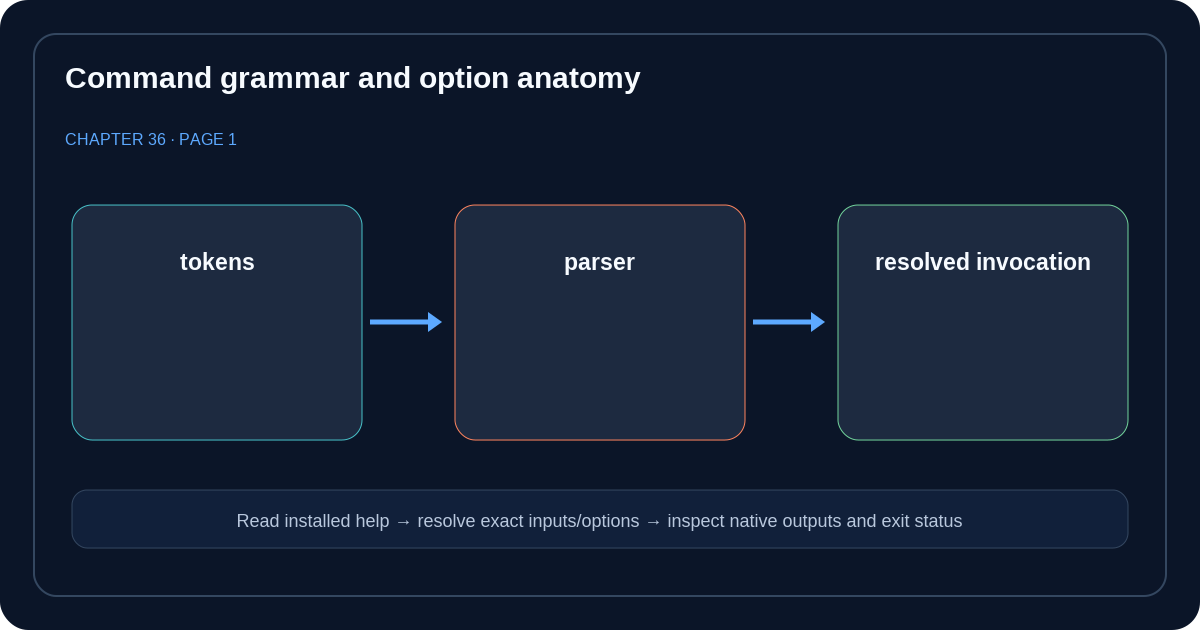
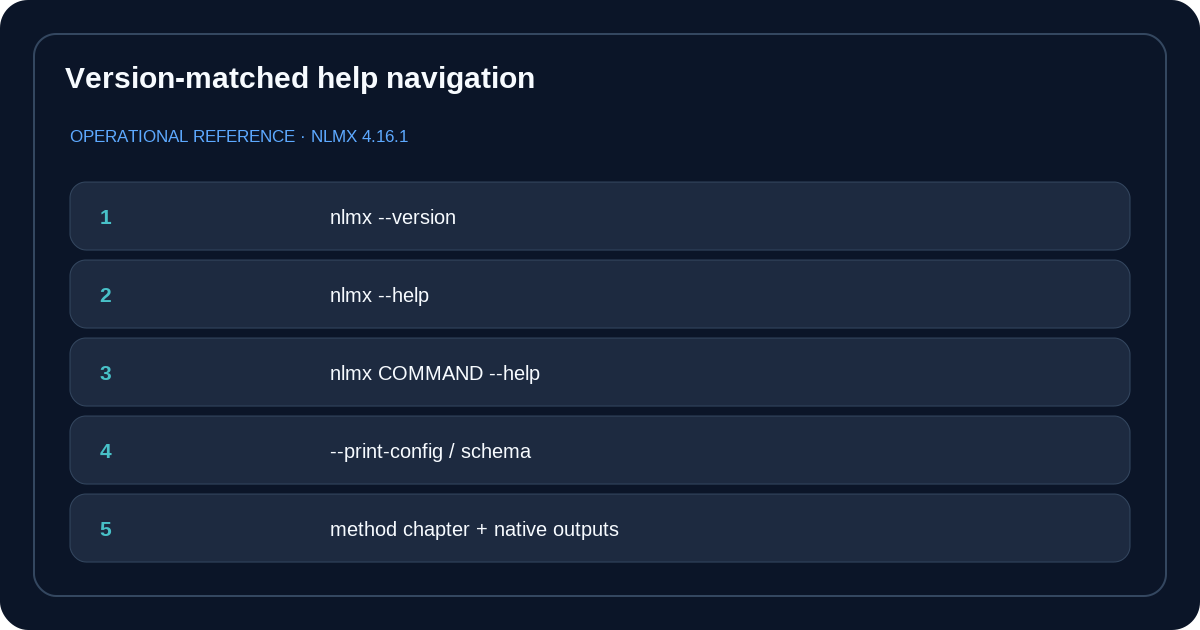
This chapter is a lookup reference for nlmx 4.16.1. Option tables are generated from the installed release executable. Read an option in the context of the command page: nlmx uses a global parser, but an accepted option can be irrelevant to a command unless its help text names that command or the command's method chapter defines the behavior.
The safe sequence is: identify the installed version, open that command's help, freeze input/settings/output paths, run into a new or empty output directory, inspect both the process status and the command-native verdict, and retain the log/resolved settings/checksums. A command line is reproducible only when its referenced files and software version are also frozen.
The basic grammar
The canonical form is nlmx [GLOBAL-OPTIONS] COMMAND [COMMAND-INPUTS] [OPTIONS]. Because options are global in the parser, they may normally appear before or after the command, but putting the command first makes review easier. A positional value has no flag: in nlmx qc-data data.csv, data.csv is the dataset. A named value follows an option: --output qc. Boolean switches such as --strict need no value unless help explicitly shows <BOOL>.
Short and long names are equivalent where both are shown: -c is --config, -o is --output, -q is --quiet, -v is --verbose. -vv and -vvv repeat verbosity. Repeatable options can occur more than once, for example --covariates CL=WT --covariates V=WT. List syntax is option-specific: some values are comma-separated, while file patterns may accept several shell arguments.
Values containing spaces, *, ?, semicolons, comparison operators, or shell metacharacters should be quoted. PowerShell and POSIX shells have different quoting rules; copy the semantic value, not blindly the punctuation. Use -- only when installed help or shell behavior requires separating an option-like positional value. Never infer units or defaults from a filename.
Novice review checklist
- Can you identify the exact installed nlmx version and canonical command?
- Are positional inputs, named options, settings, and output paths unambiguous?
- Did you distinguish parser acceptance from command-specific meaning?
- Will the run preserve enough native evidence to determine semantic success?
- Is a qualified human decision required after the software completes?
Navigation
See the previous page, next page, and complete command index.