13A.2 Your first plot and table
The smallest plot needs a dataset, a geom, and the variables required by that geom:
nlmx custom data.csv --geom point --x TIME --y DV
The smallest summary table names its kind and variables:
nlmx custom data.csv --table-kind summary --table-vars DV
Both can be requested together. By default, the plot is PNG and the table is written as CSV, Markdown, and HTML. The output directory defaults beside the input as <stem>_custom; -o results/custom selects another location. A non-empty destination is refused unless --overwrite is explicit.
A useful first diagnostic
The frozen example filters observation rows, layers points and a smooth, adds the identity line, and uses equal log axes:
nlmx custom custom_data.csv --filter "EVID == 0" `
  --geom point,smooth --x IPRED --y DV --identity --equal-axes `
  --x-scale log --y-scale log --plot-name dv_vs_ipred `
  --plot-format both --no-tables
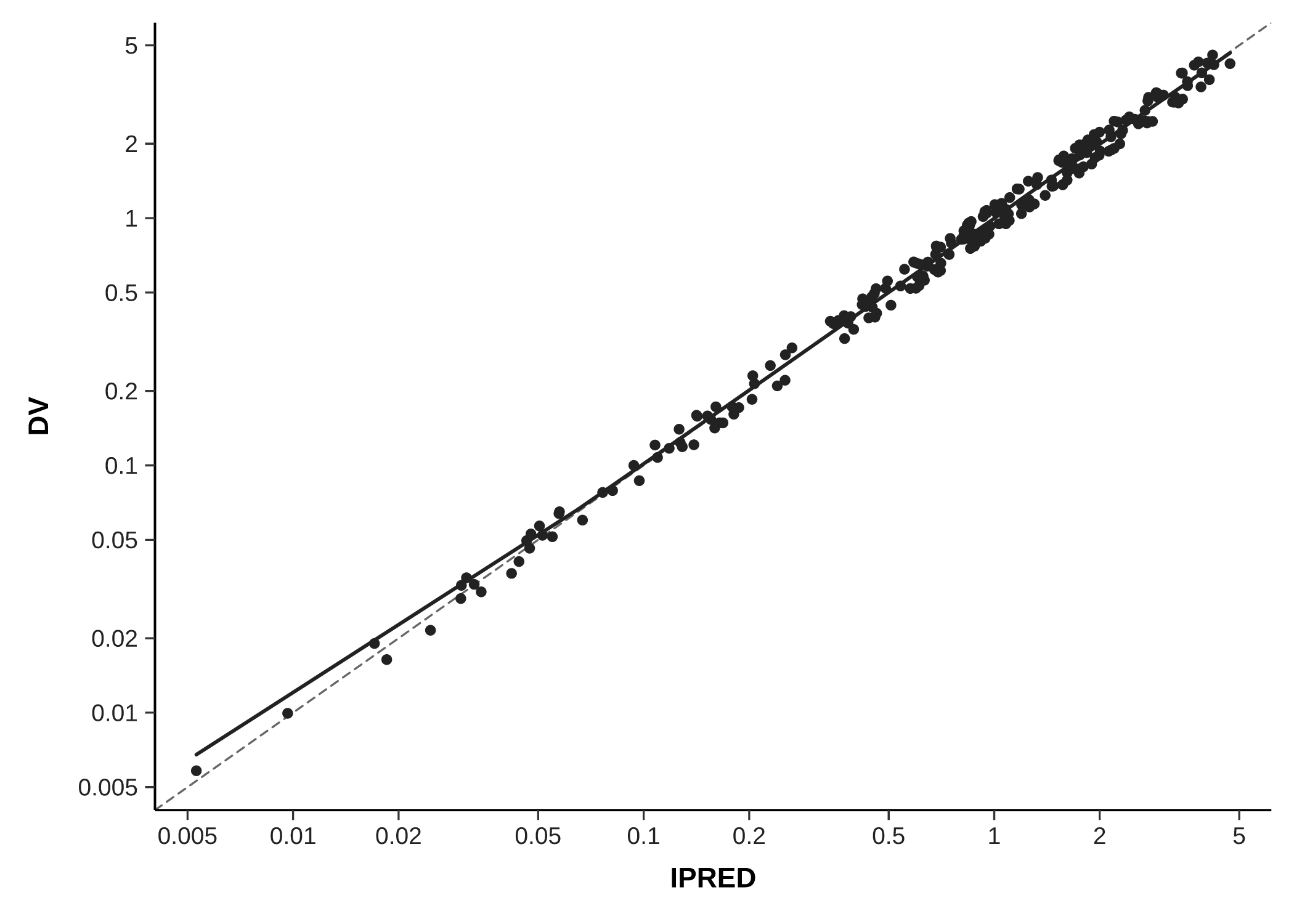
Open txtcustom_summary.txt before interpreting the image. It records rows read, rows retained, item names, geoms, files, and notes. The SVG counterpart is under plots/svg/.
A safe first table
For repeated-record data, a demographic table should usually be reduced to one row per subject:
nlmx custom data.csv --distinct ID --table-kind demographics `
  --table-vars AGE,WT,SEX --table-by ARM --no-plots
distinct keeps the first row for each ID; sort first if “first” must mean a specific occasion. Review the resulting N in each header against expected subject counts.
Common mistakes
- Forgetting to filter dose rows from DV plots.
- Reusing a non-empty output folder without understanding overwrite.
- Assuming the image itself records every filtering decision.
- Using
distinct IDwithout checking which row becomes representative.
Checklist
- Verify input path and output directory.
- Read summary and log, not only the picture.
- Confirm the number and grain of retained rows.
- Open machine-readable and presentation formats.
- Keep the exact command transcript.
Further reading
Continue with input parsing, plot grammar, summary tables, and output files.