37.2 Settings lifecycle, precedence, paths, and evidence
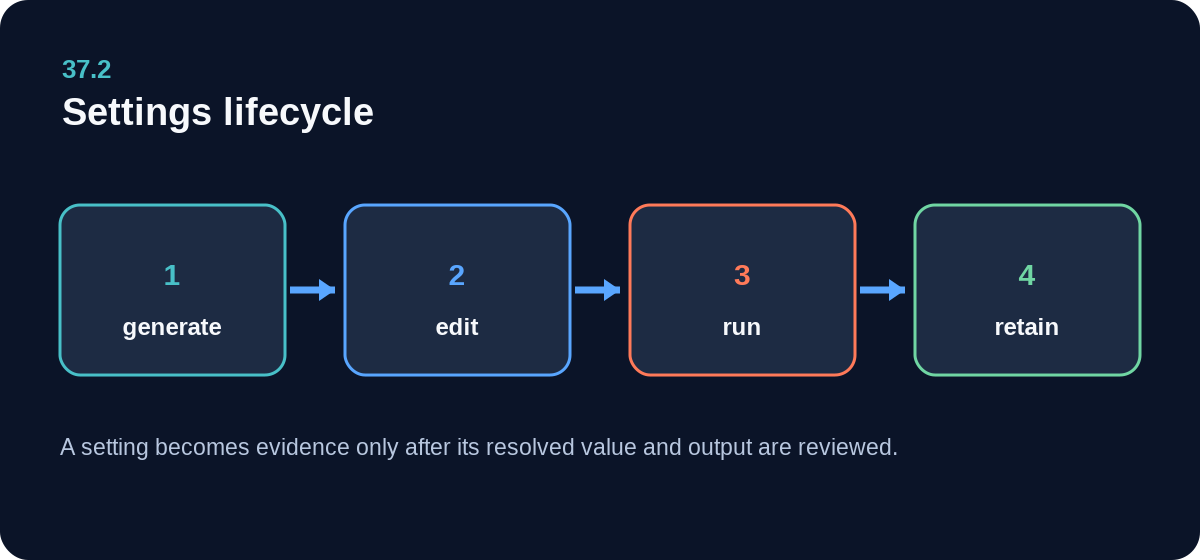
A controlled analysis should treat settings as source code. Generate a template from the same executable that will run the analysis, reduce it to intentional choices, execute into a disposable output first, inspect the effective behavior, and retain enough evidence for another analyst to reproduce the result.
Generate rather than remember
For most commands, run nlmx COMMAND --print-config study.EXT. For .covar, use nlmx schema --format toml and save the output as a .covar file. The generated file is version-specific documentation. Do not begin a new analysis by copying an old project's settings without comparing it with a fresh template.
Precedence and the complete recipe
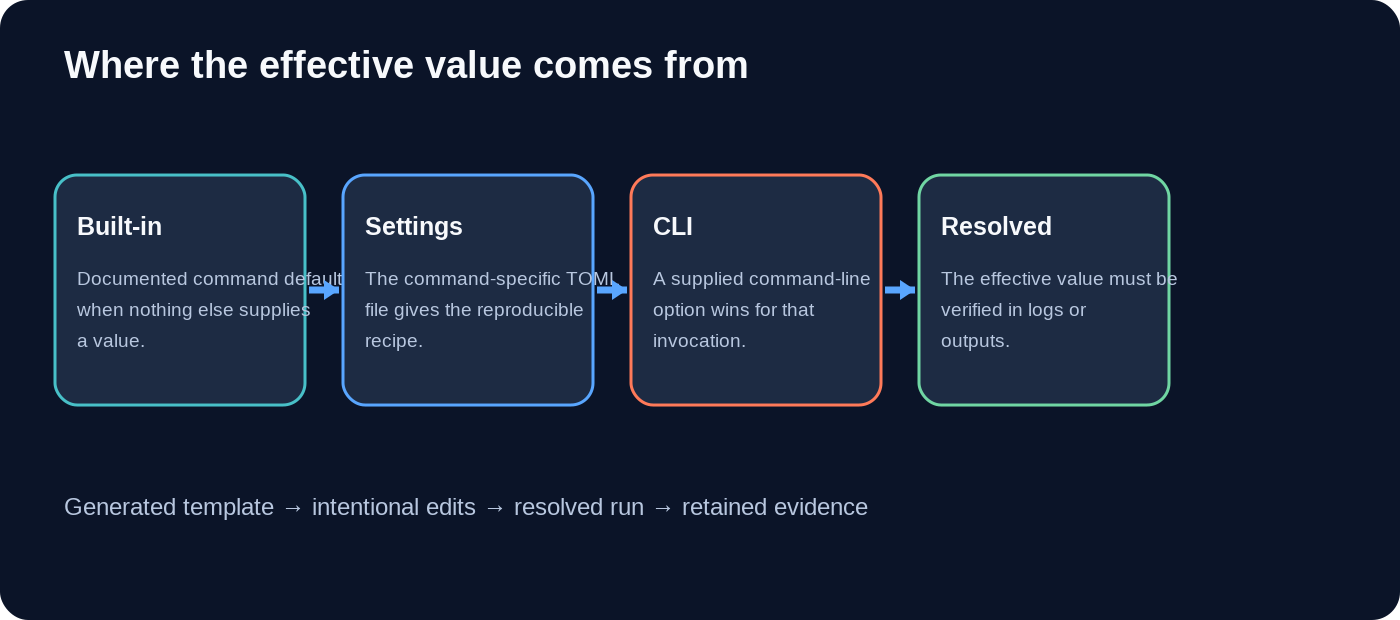
Think in layers: built-in behavior supplies an unset value; the settings file supplies a durable project choice; a CLI option supplies an invocation-specific override. A wrapper script, environment, current working directory and selected binary can also change operational context. Consequently, retain the exact command and transcript with the settings file. If the program writes resolved settings or a run manifest, review and archive it.
Relative paths and portability
Configuration-relative resolution makes a project portable when its folders move together. It also creates a common error: launching a settings file from another directory and assuming paths begin at the shell's current directory. Review startup lines for configuration, inputs, output and log. Prefer a project layout such as config/, data/, models/ and results/, and test the bundle after moving or copying it.
Minimal versus fully explicit files
A minimal file is easier to read and inherits more defaults. A fully explicit file is easier to audit but carries more version-sensitive values forward. A useful compromise is to specify all scientifically material choices, seeds, input/output identities and non-default policies while allowing low-risk presentation defaults to remain implicit. Record the nlmx version and fresh-template hash so inherited behavior remains identifiable.
Safe first execution
Use an empty disposable output, disable overwrite unless replacement is intentional, and run command validation or dry-run support where available. Review warnings even when the exit code is zero. Compare expected and actual output sets. Only then promote the same controlled settings into the production workflow.
Evidence to retain
- settings file and every referenced local input;
- nlmx version and generated-template hash;
- exact command, working context, CLI overrides and transcript;
- output inventory, warnings, failures and checksums;
- scientific review, visual review where applicable, limitations and approval disposition.
Navigation
See the previous page, next page, and complete settings reference.