38.19 power output dictionary
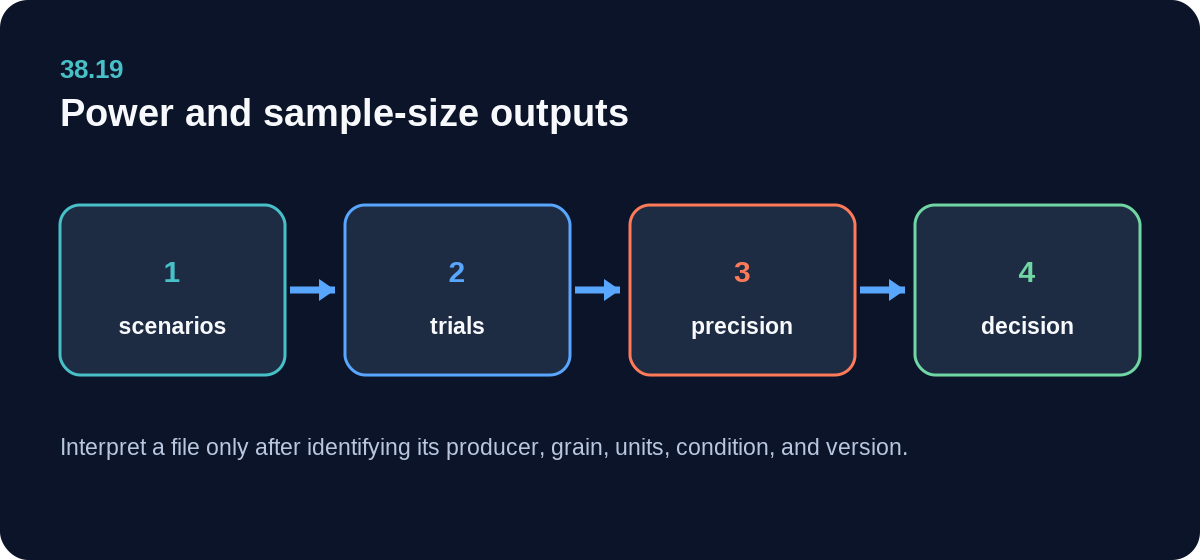
Power outputs distinguish scenario definitions, virtual-trial results, aggregate operating characteristics, Fisher-information results and target sample sizes. Failed trials must remain in denominators. JSONL is also a resume stream, so it should be treated as append-oriented operational evidence.
Files produced by power, power SSE, power FIM
The table is a versioned contract for nlmx 4.16.2. “When present” is part of the schema: absence can mean disabled, not applicable, no qualifying rows, an earlier failure, or a defect. Distinguish those states with the summary/log and expected configuration.
| File or pattern | Format | When present | Row/object grain | Purpose | Key fields or structure | Units | Role |
|---|---|---|---|---|---|---|---|
power_scenarios.csv |
CSV | always | one row per design scenario | scenario grid and design inputs | scenario,sample_size,dropout,effect_multiplier,schedule,allocation and related fields | subjects, fraction, time | primary |
sse_replicates.csv / sse_replicates.jsonl |
CSV / JSON Lines | SSE run | one row/object per virtual trial × test | truth, fit status, estimates/SEs, objectives, tests, shrinkage, and time; JSONL supports resume | scenario,replicate,truth/status,estimates,SEs,OFVs,test statistics,p-values,shrinkage,seconds,fingerprint | mixed | primary |
sse_power.csv |
CSV | SSE summaries available | one row per scenario × hypothesis × test | power/CI/Monte Carlo error, all-trial power, type-I error and median delta-OFV | scenario,hypothesis,test,power,CI,mcse,power_all_trials,type1_error,median_delta_ofv | probability; OFV | primary |
sse_parameters.csv |
CSV | SSE summaries available | one row per scenario × parameter | bias, RMSE, RSE, coverage and RSE-limit compliance | scenario,parameter,n,bias,relative_bias,rmse,rse,coverage,within_limit | parameter-specific; percent | primary |
sse_scenarios.csv |
CSV | SSE summaries available | one row per scenario | convergence, shrinkage, time and criteria verdict | scenario,completed,convergence,shrinkage,mean_seconds,criteria_met | percent; seconds | primary |
fim_parameters.csv |
CSV | FIM run | one row per scenario × parameter | expected SE and RSE | scenario,parameter,estimate,se,rse_pct | parameter-specific; percent | primary |
fim_power.csv |
CSV | FIM run | one row per scenario × hypothesis | Wald power and subjects required | scenario,hypothesis,effect,se,test_statistic,power,subjects_for_target | probability; subjects | primary |
fim_matrices.csv |
CSV | FIM run | one row per matrix cell | information, covariance and correlation matrices | scenario,matrix,row_parameter,column_parameter,value | matrix-specific | primary |
sample_size.csv |
CSV | target-power calculation available | one row per design × hypothesis × method | sample size reaching target or not-reached status | design,hypothesis,method,target_power,sample_size,status | subjects; probability | primary |
power_summary.json / power_summary.txt |
JSON / text | always | one run summary | settings, scenarios, test results, criteria, warnings, and recommendation | format-dependent | mixed | machine summary |
power_settings_used.power |
TOML | always | one resolved recipe | effective settings and paths | all power settings | setting-specific | reproduction |
report.html / plots/** |
HTML / PNG / SVG | enabled | one report or power/precision plot | scenario tables, curves, RSE and criteria | visual/table document | axis-specific | presentation |
Reading sequence
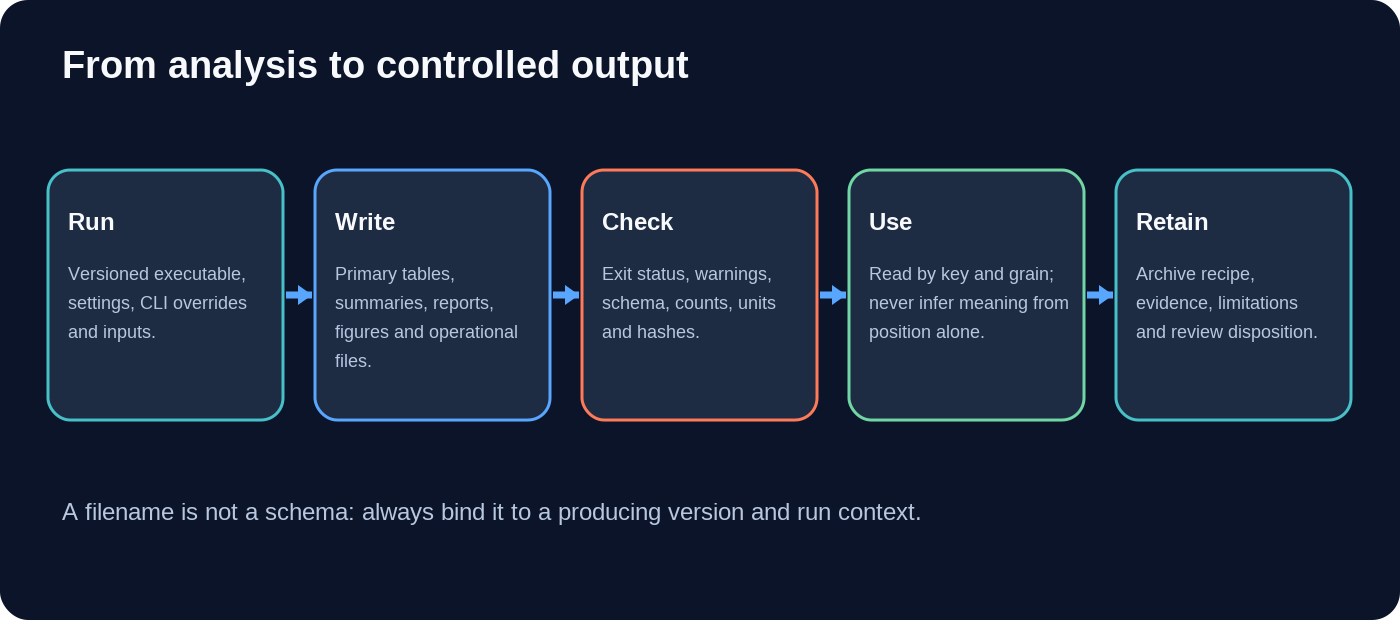
- Confirm the command, nlmx version, exit status, output root and settings/CLI overrides.
- Open the text/JSON summary to understand status, warnings, counts and conditional branches.
- Validate the primary table headers and expected row grain before parsing values.
- Reconcile row counts and identifiers across related files.
- Trace important estimates, classifications or decisions to the native model/data evidence.
- Inspect HTML and figures after verifying their source tables.
- Verify checksums and retain the complete tree, including failures relevant to denominators.
Common parsing mistakes
- treating an optional missing file as an empty successful result;
- grouping at subject level when the table is subject-by-occasion, replicate or simulation;
- using displayed text/plot rounding as the analytical value;
- joining dynamic files by row position;
- losing exclusions, failed fits or warnings while copying only the selected result;
- assuming units from a familiar column name rather than the run's data/model/settings;
- parsing a cache/checkpoint as if it were a stable final-results API.
Review questions
- Does every row have a clearly stated grain and candidate primary key?
- Are denominators and failure states retained?
- Are units and transformations traceable?
- Is the file a primary result, reproduction recipe, presentation, or operational state?
- Can a second analyst reproduce the reported value from retained inputs and settings?
Navigation
See the previous page, next page, and complete output reference.