15.19 Output directory, overwrite, logging, and provenance
Without -o, the output folder is <dataset directory>/<dataset stem>_nca. [output] directory provides a settings-based alternative; CLI -o wins. A nonempty directory is refused unless --overwrite is present.
--overwrite permits writing; it is not a guarantee that unrelated stale files are removed. For release, use a new empty versioned directory or verify its inventory against the current checksum manifest.
Logging controls
The command attaches a log_<id>.txt transcript to the output directory unless --log-file selects another path. --suppress-console 1 hides progress on the terminal while retaining the log. -q restricts terminal output to errors, repeated -v increases verbosity, and --no-color removes ANSI color. These controls should not change numerical results.
nca_summary.txt starts with the reconstructed command and then contains the listing. The log captures execution stages and diagnostic notes. Preserve both: one is a user-facing summary, the other an operational transcript.
Checksums and completeness
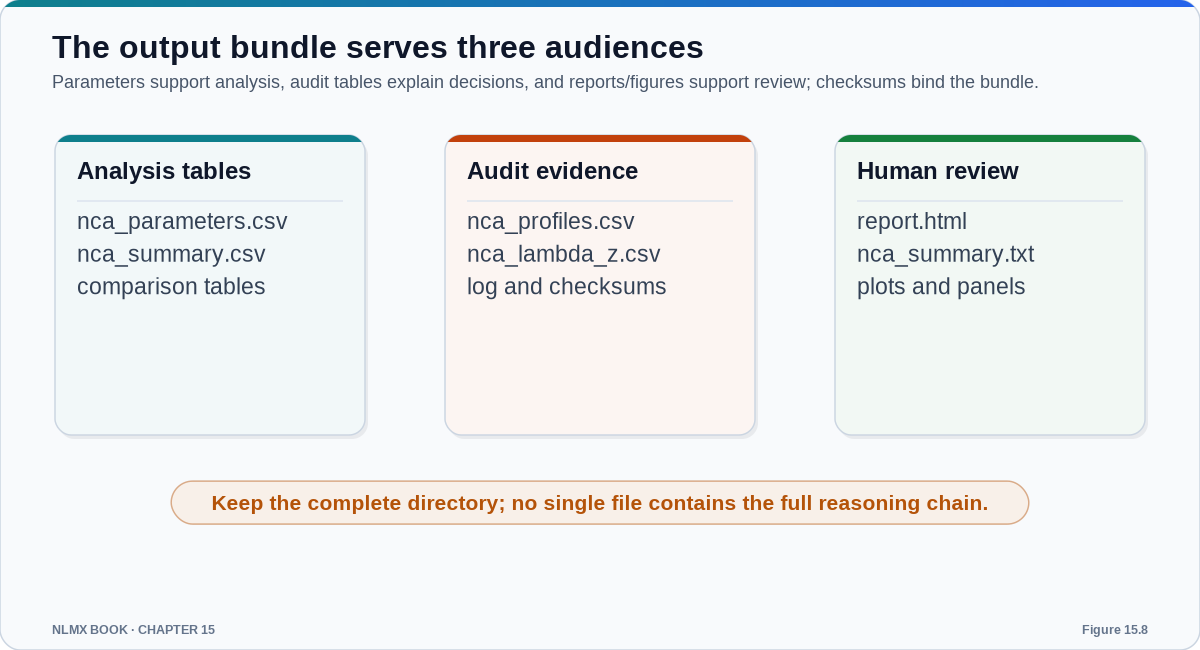
checksums.sha256 is written when the output set finishes. It covers files registered through the output writer. Validate it before transfer and after archival. The complete evidence bundle normally includes parameters, summaries, audit tables, JSON, text, report, plots, log, and checksums; optional comparison files appear only when rows exist.
Configuration is not automatically copied as a named source .nca file into every result, so archive the exact settings alongside the result or in a controlled analysis package. Mutated data are written when mutation is used.
Common mistakes
- Reusing an output directory and overlooking stale optional files.
- Keeping a CSV but discarding settings, log, and checksum manifest.
- Assuming a quiet terminal means no log was written.
- Editing results after checksums without regenerating the analysis.
Checklist
- Use a new or fully inventoried output directory.
- Retain command, executable version, configuration, and input hash.
- Verify optional-file expectations.
- Validate checksums after copying.
- Archive the directory without hand edits.
Further reading
See output bundle contents, errors and troubleshooting, and Chapter 10's manifest guidance.