38.8 report publication outputs
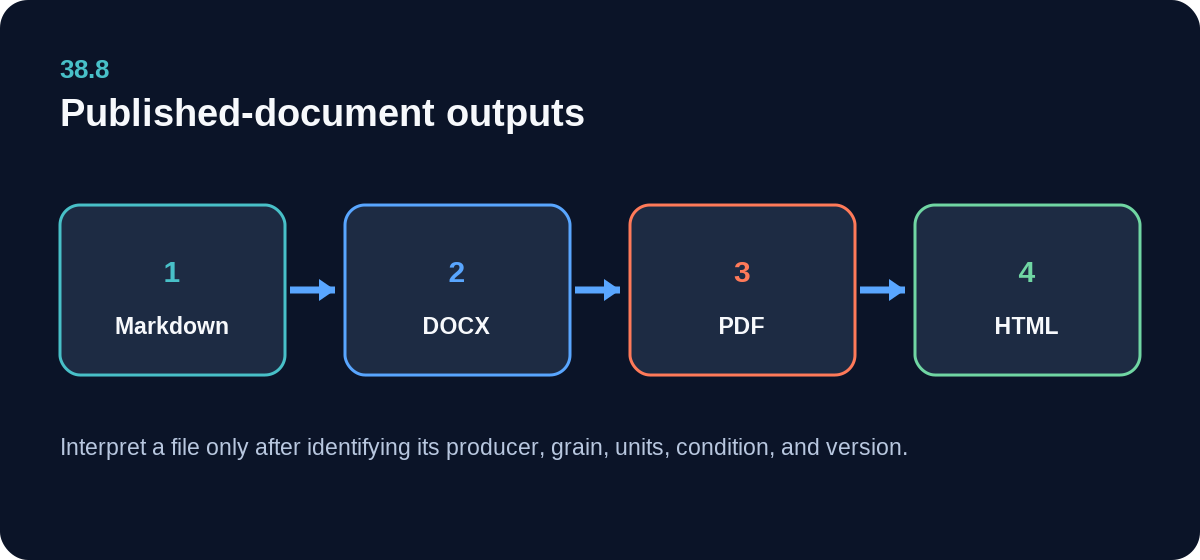
The report command publishes one Markdown source into selected document targets. The retained Markdown is the reproducible source of truth. DOCX, PDF and HTML are independent review targets; a successful write does not prove that equations, tables, figures or scientific claims are correct.
Files produced by report
The table is a versioned contract for nlmx 4.16.2. “When present” is part of the schema: absence can mean disabled, not applicable, no qualifying rows, an earlier failure, or a defect. Distinguish those states with the summary/log and expected configuration.
| File or pattern | Format | When present | Row/object grain | Purpose | Key fields or structure | Units | Role |
|---|---|---|---|---|---|---|---|
<name>.md |
Markdown | always | one retained source document | composed Markdown with title/TOC adjustments and rewritten local image references | Markdown blocks and front matter | display units | primary |
<name>.docx |
OOXML Word | DOCX enabled (default) | one editable document | review/edit target with Word equations, images, tables, footnotes, page geometry, and metadata | ZIP/OOXML package | display units | presentation |
<name>.pdf |
PDF enabled (default) | one fixed-layout document | distribution/archival target with searchable text and rendered content | PDF objects, metadata, outlines | display units | presentation | |
<name>.html |
HTML | --html or setting enabled | one web document | responsive report with MathML, CSS, TOC, and optionally embedded images | HTML/CSS/MathML | display units | presentation |
copied local images / images/** |
PNG/JPEG/SVG | referenced locally and needed by retained Markdown/HTML | one asset per image | portable image dependencies | binary/vector image | image-specific | presentation |
Reading sequence
- Confirm the command, nlmx version, exit status, output root and settings/CLI overrides.
- Open the text/JSON summary to understand status, warnings, counts and conditional branches.
- Validate the primary table headers and expected row grain before parsing values.
- Reconcile row counts and identifiers across related files.
- Trace important estimates, classifications or decisions to the native model/data evidence.
- Inspect HTML and figures after verifying their source tables.
- Verify checksums and retain the complete tree, including failures relevant to denominators.
Common parsing mistakes
- treating an optional missing file as an empty successful result;
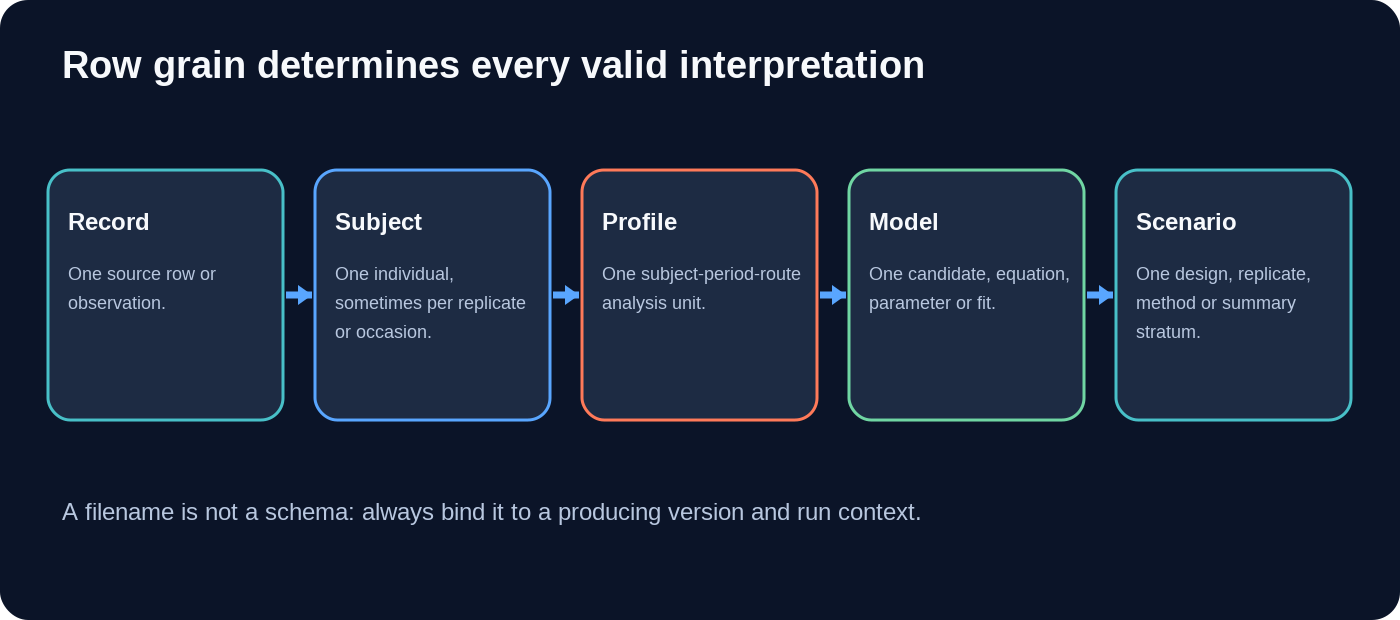
- grouping at subject level when the table is subject-by-occasion, replicate or simulation;
- using displayed text/plot rounding as the analytical value;
- joining dynamic files by row position;
- losing exclusions, failed fits or warnings while copying only the selected result;
- assuming units from a familiar column name rather than the run's data/model/settings;
- parsing a cache/checkpoint as if it were a stable final-results API.
Review questions
- Does every row have a clearly stated grain and candidate primary key?
- Are denominators and failure states retained?
- Are units and transformations traceable?
- Is the file a primary result, reproduction recipe, presentation, or operational state?
- Can a second analyst reproduce the reported value from retained inputs and settings?
Navigation
See the previous page, next page, and complete output reference.