36A.14 Font size, page numbers, and long documents
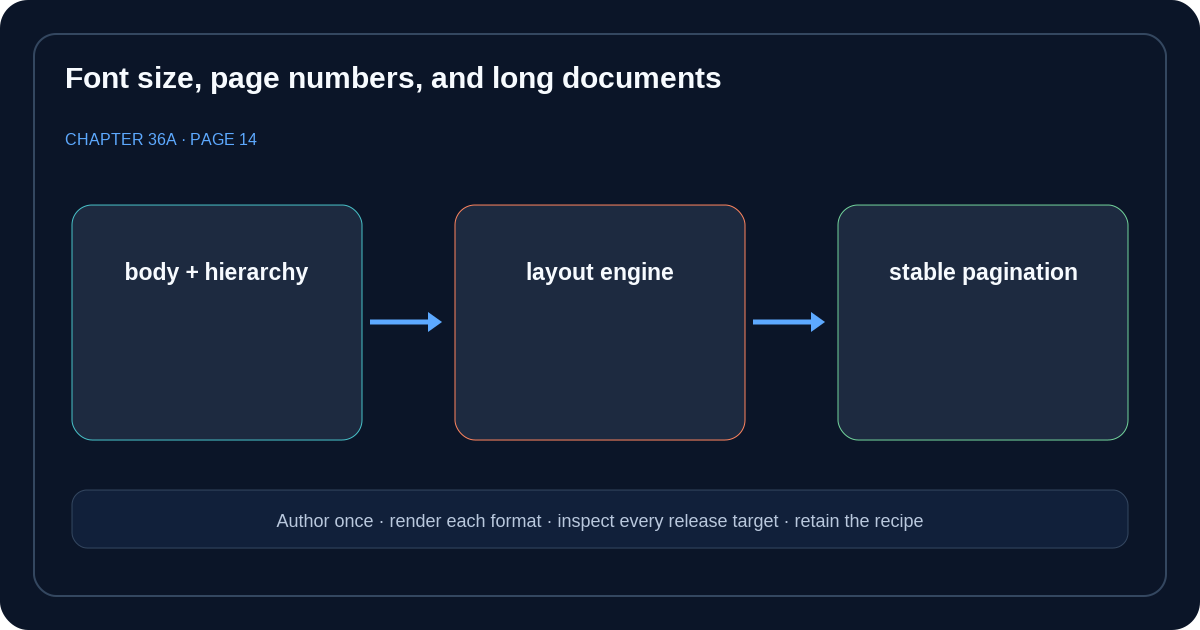
nlmx report publishes one Markdown source into retained Markdown, Word and PDF by default, with optional HTML. The command solves document generation; it does not validate the scientific analysis or approve its interpretation. Treat the source Markdown and .report file as the controlled recipe, and treat every released format as a separate review target.
Typography and pagination
Body font size is configurable from 6 to 24 points; default 11. A technically accepted 6-point report is rarely readable. Choose about 10.5-12 pt for sustained prose and inspect tables/footnotes. nlmx supplies its target-specific fonts: PDF embeds Liberation Sans for body/headings and Courier for code; Word names Calibri/Consolas and Cambria Math; browsers use CSS/system stacks.
Page numbers are enabled by default in Word/PDF and can be disabled with --no-page-numbers or page_numbers=false. The footer is Page n of N. Inspect it on first, middle and final pages. Word TOC page numbers can require updating the field with F9 after opening.
Large documents are supported, but layout time grows and small defects multiply. Review section transitions, orphan headings, split tables, figure/caption separation, code overflow, equations, footnotes and final-page whitespace. A page count is a useful regression signal but not a quality measure.
Font availability differs across machines/viewers. Missing PDF text glyphs may become ?; equation symbols use separate drawing support. The PDF fixture produced a renderer diagnostic about an unavailable display font while the inspected pages remained legible—another reason console diagnostics and visual review both matter.
Long-document sampling is not enough
Automated page counts and text extraction can detect gross regressions, but final visual QA must cover every page. Use a thumbnail/contact-sheet pass for rhythm and blanks, then inspect each page at 100% for glyphs, tables, equations and figures. Check first and last footer, every orientation/section transition, the longest table row, widest equation, largest image and deepest list. Word and PDF can paginate differently; record both counts but do not require equality. After any source change, invalidate prior page approval and rerender.
Practical review questions
- Does the released content answer the stated question without exceeding the evidence?
- Can every number, table, figure and decision be traced to a retained native file and run?
- Were all generated targets—not merely the source—inspected after the latest change?
- Are warnings, failed runs, limitations and unverified steps visible rather than silently omitted?
- Could another qualified analyst rebuild the same document from the retained recipe?
Navigation
See the previous page, next page, and complete report reference.