38.21 generate project-file dictionary
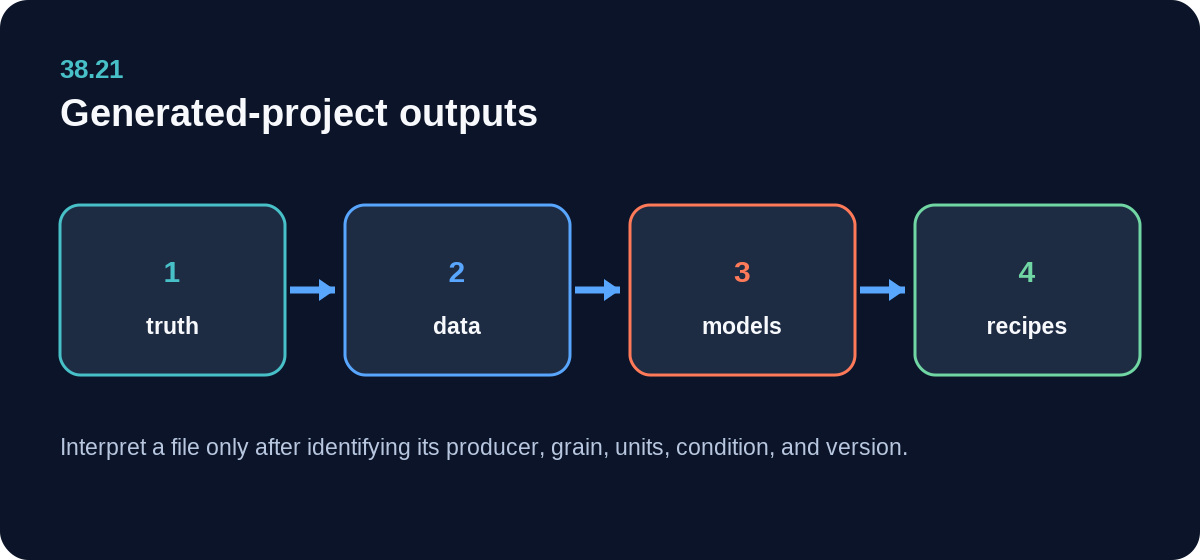
A generated project contains truth, estimable models, simulated/normalized data and downstream recipes. Do not confuse truth.ctl with models/run101.ctl, or a starting control stream with a fitted result. The project checksum and README provide the top-level manifest and context.
Files produced by generate
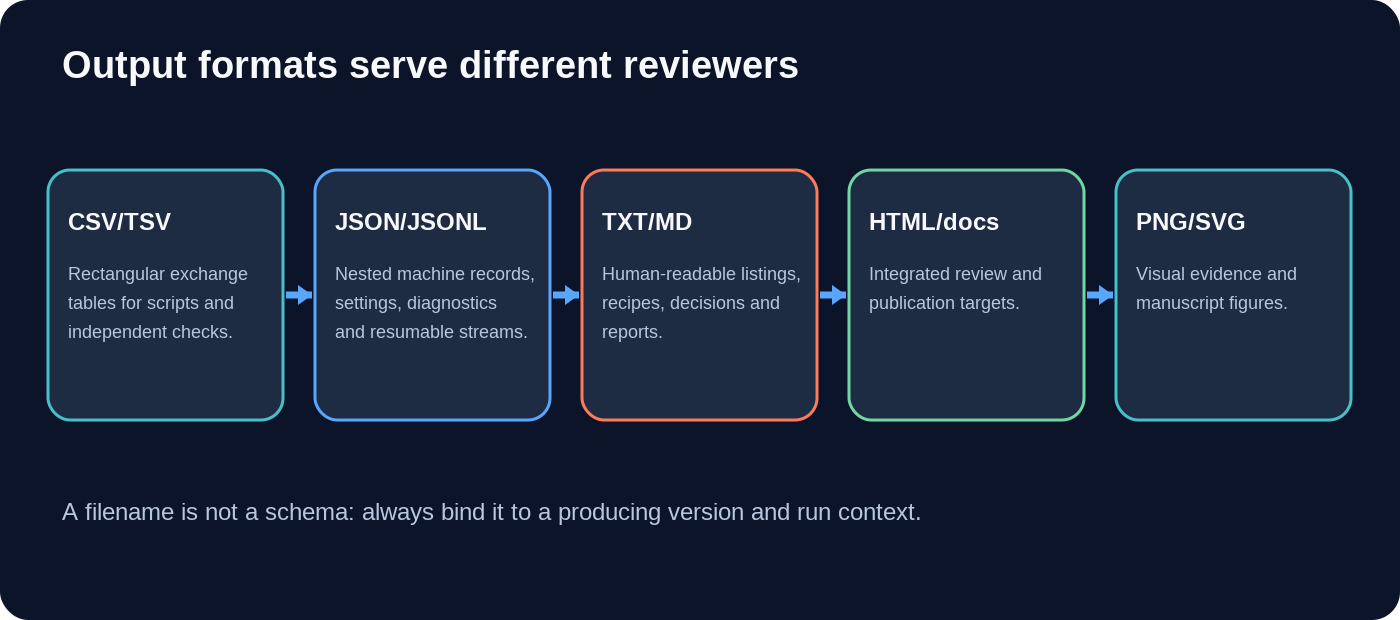
The table is a versioned contract for nlmx 4.16.2. “When present” is part of the schema: absence can mean disabled, not applicable, no qualifying rows, an earlier failure, or a defect. Distinguish those states with the summary/log and expected configuration.
| File or pattern | Format | When present | Row/object grain | Purpose | Key fields or structure | Units | Role |
|---|---|---|---|---|---|---|---|
data/analysis.csv |
CSV | always | one row per NONMEM record | simulated or normalized user dataset in uppercase $INPUT-compatible layout | design/model columns | design-specific | primary |
data/id_map.csv |
CSV | text IDs normalized | one row per subject | maps numeric generated ID to original text identifier | ID,ORIGINAL_ID | not applicable | reproduction |
truth.ctl |
NONMEM control stream | synthetic-data mode | one truth model | model and covariate effects used to simulate the data; not an estimation target | NONMEM records | model-specific | truth |
groups.csv |
CSV | synthetic treatment groups | one row per treatment group | group name, dose and subject count | group,name,dose,subjects | dose; subjects | truth |
models/run101.ctl / run102.ctl |
NONMEM control stream | base always; run102 when requested/effects | one model per run | estimable base and optional covariate model | NONMEM records | model-specific | reproduction |
models/run101.* / run102.* |
fit outputs | fit enabled and model generated | complete fit result | NONMEM-compatible and nlmx fit evidence | same schema as fit | model-specific | primary |
nlmx.covar / nlmx.vpc / nlmx.forest |
TOML | applicable | one ready settings file per downstream command | ready covariate/VPC/forest recipe bound to generated project | command settings | setting-specific | reproduction |
nlmx.gen |
TOML | always | one resolved generation recipe | regenerates the design/project | generation settings | setting-specific | reproduction |
gof/*.png / gof/svg/*.svg |
PNG / SVG | fit and GOF enabled | one diagnostic figure per run/type | generated-run goodness-of-fit diagnostics | visual | axis-specific | presentation |
README.md |
Markdown | always | one project description | design, truth, normalization changes, fitted runs, next commands and caveats | document | display units | review |
checksums.sha256 |
SHA-256 manifest | always after success | one row per project file except active log | integrity of the full generated tree | digest,path | not applicable | audit |
Reading sequence
- Confirm the command, nlmx version, exit status, output root and settings/CLI overrides.
- Open the text/JSON summary to understand status, warnings, counts and conditional branches.
- Validate the primary table headers and expected row grain before parsing values.
- Reconcile row counts and identifiers across related files.
- Trace important estimates, classifications or decisions to the native model/data evidence.
- Inspect HTML and figures after verifying their source tables.
- Verify checksums and retain the complete tree, including failures relevant to denominators.
Common parsing mistakes
- treating an optional missing file as an empty successful result;
- grouping at subject level when the table is subject-by-occasion, replicate or simulation;
- using displayed text/plot rounding as the analytical value;
- joining dynamic files by row position;
- losing exclusions, failed fits or warnings while copying only the selected result;
- assuming units from a familiar column name rather than the run's data/model/settings;
- parsing a cache/checkpoint as if it were a stable final-results API.
Review questions
- Does every row have a clearly stated grain and candidate primary key?
- Are denominators and failure states retained?
- Are units and transformations traceable?
- Is the file a primary result, reproduction recipe, presentation, or operational state?
- Can a second analyst reproduce the reported value from retained inputs and settings?
Navigation
See the previous page, next page, and complete output reference.