36A.13 Page size, orientation, and margins
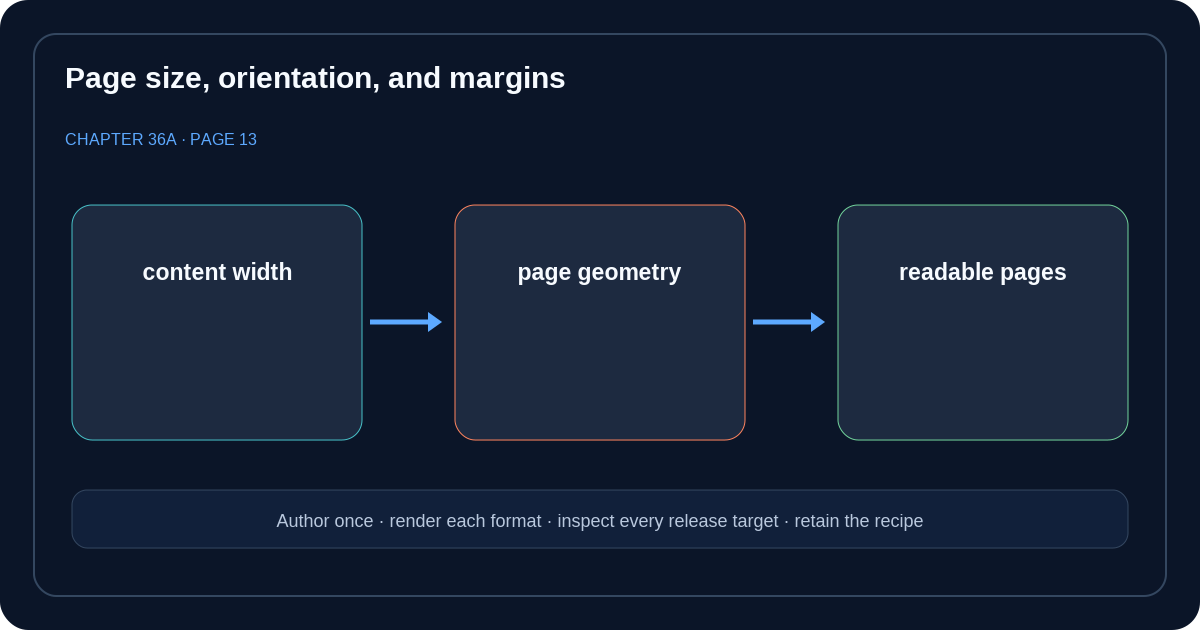
nlmx report publishes one Markdown source into retained Markdown, Word and PDF by default, with optional HTML. The command solves document generation; it does not validate the scientific analysis or approve its interpretation. Treat the source Markdown and .report file as the controlled recipe, and treat every released format as a separate review target.
Geometry controls
Supported sizes are A3, A4, A5, Letter and Legal. The default is A4; many US workflows require Letter and should set it explicitly. --landscape rotates all pages. Margins are 5-60 mm, default 25 mm. Geometry applies to Word and PDF; browser/print behavior also depends on HTML/CSS.
Start from audience and content. Portrait A4/Letter with generous margins suits narrative reports. Landscape can help a consistently wide table set, but creates awkward prose and figures if used only for one table. A3/Legal are specialized choices. A5 is compact and increases page breaks.
Usable width is page width minus two margins. Reducing margins or font size should be a last response to overcrowding. Prefer editing the content: simplify tables, shorten labels, split figures, and move detailed listings to appendices. Margins also affect binding, comments and printability.
The executed fixture uses US Letter, portrait, 22 mm margins and 11 pt body text. PDF metadata confirmed 612 × 792 points and two pages. Geometry values outside their ranges are settings errors (exit 4).
Geometry decision example
Render a representative page—not only the title page—at candidate geometry. For a report with one wide table, first shorten/split that table while keeping portrait pages. Choose landscape only when the whole document benefits or when a separate report is appropriate. Measure figure labels at normal print size. If reducing margins, leave room for binding/reviewer notes and confirm the footer remains inside the printable area. Record page size/orientation in .report so Word and PDF are regenerated consistently rather than changed manually in Word.
Practical review questions
- Does the released content answer the stated question without exceeding the evidence?
- Can every number, table, figure and decision be traced to a retained native file and run?
- Were all generated targets—not merely the source—inspected after the latest change?
- Are warnings, failed runs, limitations and unverified steps visible rather than silently omitted?
- Could another qualified analyst rebuild the same document from the retained recipe?
Navigation
See the previous page, next page, and complete report reference.