38.1 Output folders, identities, overwrite, and completion
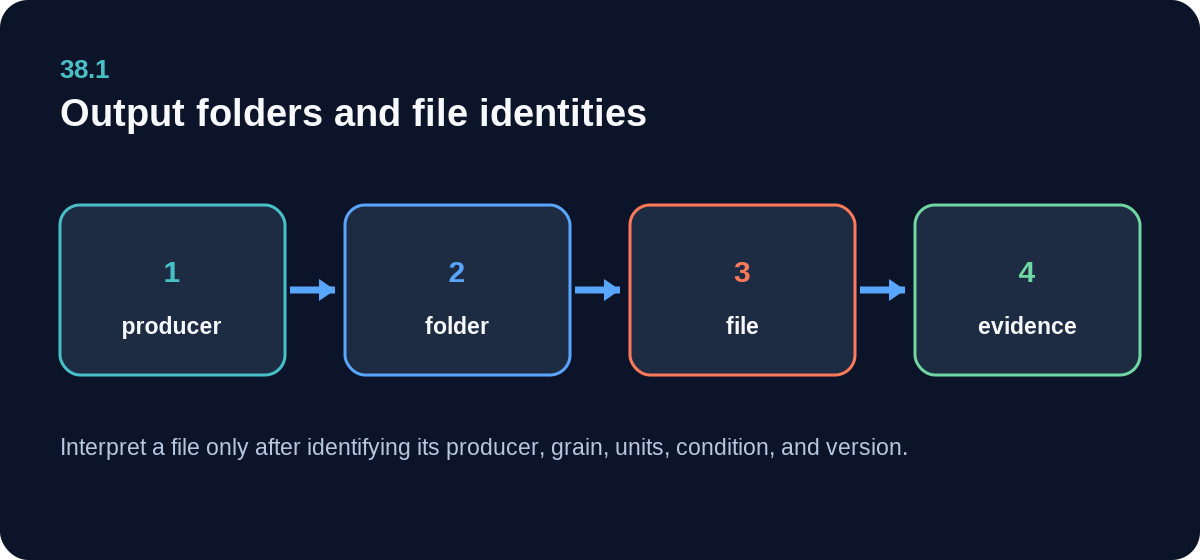
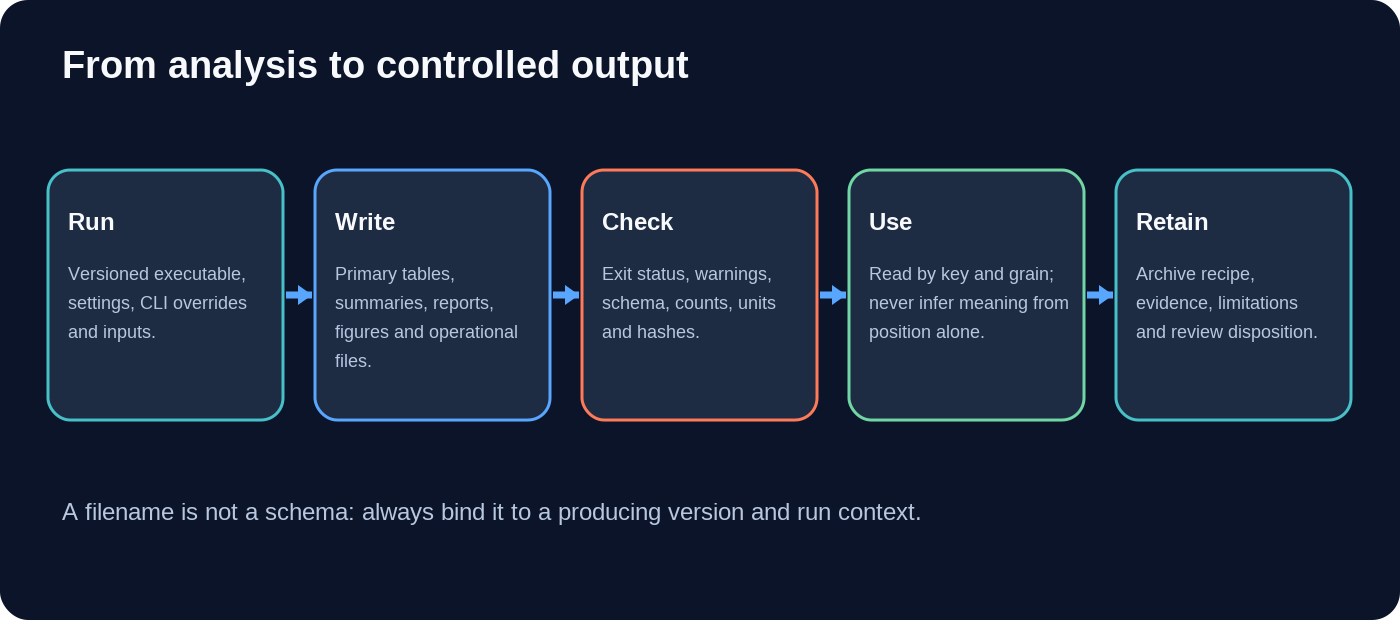
An nlmx output is identified by more than its filename. Record the producing command, nlmx version, input/settings identities, output root, exact relative path, file hash, completion state and any CLI override. A summary.json copied out of context can be syntactically valid yet belong to the wrong model, dataset or retry.
Output-root behavior
Most commands choose a default folder beside the principal input and accept -o/--output. A non-empty folder is normally refused unless --overwrite is supplied. In nlmx 4.16.2, overwrite permission does not mean the folder is first cleaned: a file from an older run can remain when the new run does not rewrite that optional output. For controlled work, prefer a fresh output folder or compare the produced inventory/checksum manifest against the expected set.
Nested commands—screen candidate fits, retries, both-engine covariate runs, simulation studies, and Maxson steps—create subtrees. The relative path is part of identity. parameters.csv under models/2cmt_abs/ is not interchangeable with the top-level fit or another candidate.
Completion and partial folders
Files are written during stages. A failed run may leave useful partial evidence but may not have a final checksum manifest or completion line. Do not equate “file exists” with “run completed.” Check process exit status, final log message, expected file set, machine-readable status/convergence, and checksums. Preserve failed folders when they explain model-selection or operating-characteristic denominators.
Output roles
- Primary: scientific table or artifact intended for quantitative use.
- Machine summary: nested JSON/text overview; useful for orchestration but validate its schema.
- Reproduction: settings, explicit command, control stream, input manifest or prepared dataset.
- Presentation: HTML, Markdown, DOCX, PDF, PNG or SVG; review visually and trace values back to primary tables.
- Audit: transcript, checksum, event stream, failed attempt or nested evidence.
- Checkpoint/cache: continuation state; do not treat as a stable public schema.
Minimum identity record
For every parsed result store nlmx_version, producer, relative_path, sha256, run_status, and a foreign key to the controlled input/settings bundle. For dynamic files, also store the analysis slug, candidate, retry, stratum or scenario embedded in the path.
Cross-command files
| File or pattern | Format | When present | Row/object grain | Purpose | Key fields or structure | Units | Role |
|---|---|---|---|---|---|---|---|
log_<id>.txt |
UTF-8 text | normally written; report needs --log-file | event/stage stream | timestamped command transcript with stages, warnings, failures, and completion | elapsed time, level, message | seconds where displayed | audit |
checksums.sha256 |
SHA-256 manifest | written after normal output completion | one row per retained file | detects subsequent file change and supports evidence transfer | 64-hex digest, two spaces, relative path | not applicable | audit |
input_manifest.json |
JSON | when the command writes an evidence folder | one run manifest | input mode, settings identity, and hashes of discovered model artifacts | engine, run_stem, input_mode, configuration, configuration_sha256, files[] | not applicable | reproduction |
normalized_config.covar |
TOML | normal covariate-engine outputs | one resolved configuration | detailed effective covariate scope, detected types, equations, and run settings | configuration tables | setting-specific | reproduction |
*_settings.* / *_settings_used.* / custom_settings.custom |
TOML | command-specific | one resolved recipe | re-runnable settings with effective defaults or resolved paths | command settings | setting-specific | reproduction |
report.html / *_report.html |
HTML | unless disabled | one integrated review document | human review of tables, notes, diagnostics, and figures | document structure, embedded tables/graphics | display units | presentation |
plots/*.png |
PNG | plots enabled | one rendered figure per plot/panel page | publication or review figure at requested dimensions and DPI | pixels and embedded resolution | axis-specific | presentation |
plots/svg/*.svg or svg/*.svg |
SVG | SVG enabled | one vector figure per plot/panel | editable vector figure or interactive-report source | XML vector elements | axis-specific | presentation |
Navigation
See the previous page, next page, and complete output reference.