39.22 Troubleshooting plots, reports, and Maxson
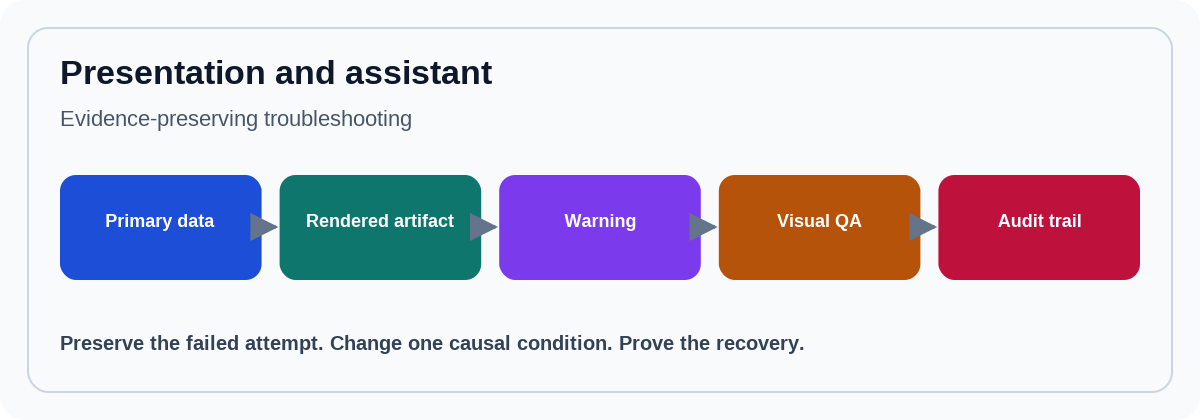
What you will learn
- Trace presentation back to primary tables
- Treat rendering warnings as review findings
- Keep assistant proposals inside policy and audit boundaries
Prerequisites: Chapter 36 exit-code reference, Chapter 38 output completion, and the Chapter 39 overview.
This page describes nlmx 4.16.2. Troubleshooting must preserve the failed attempt: keep its exact command, working directory, log, resolved settings, input/model identities, partial outputs, and process exit code. Correct one causal condition at a time and compare the new evidence with the failed run. Never convert a nonzero exit into success in a wrapper, and never interpret exit 0 as scientific acceptance without the command-native verdict.
Presentation can complete while degrading content. A missing image may become a placeholder, an unreadable equation may be printed as source, a font can replace a character, an EDA plot can be omitted for insufficient data, or an extreme panel can be thinned. Read warnings and visually inspect every released format. Trace each displayed number to a primary table and source run.
For report, resolve image/style paths from the Markdown/settings base, verify UTF-8, and compare Markdown, DOCX, PDF, and HTML. Update Word's TOC field where required. Do not accept a PDF merely because it opens: inspect pagination, tables, equations, labels, legends, units, alt text/accessibility, and clipped graphics.
For plotting, distinguish “not applicable/no data,” filtered away, unsupported geometry/aesthetic, and rendering failure. Reconcile plotted N with the analysis table. A visually empty plot may be a data/filter issue rather than a renderer defect.
For Maxson, separate backend connectivity (3), policy/usage refusal (2), command child failure, correction limit, timeout, and answer quality. The model proposes; nlmx policy validates; the user confirms. Preserve transcript/events/commands/settings history. A corrected command must be materially changed and revalidated; the assistant cannot establish scientific validity. Never place PHI/secrets in a problem report or remote backend without authorization.
Page checklist
- Did you retain the exact exit code, stage, message, hint, log, and partial output?
- Did you identify one causal layer before changing anything?
- Is the recovery a new, traceable attempt with the same intended estimand?
- Did you check command-native and scientific acceptance after process completion?
Navigation
See the previous page, next page, and complete error reference.