37.19 Structural-screening settings: purpose, structure, and workflow
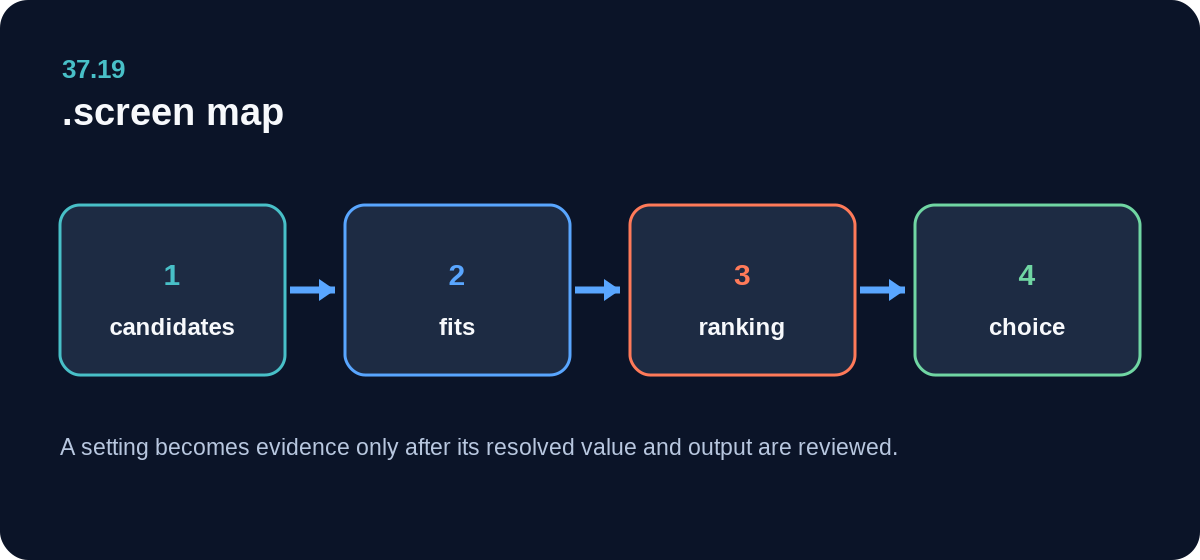
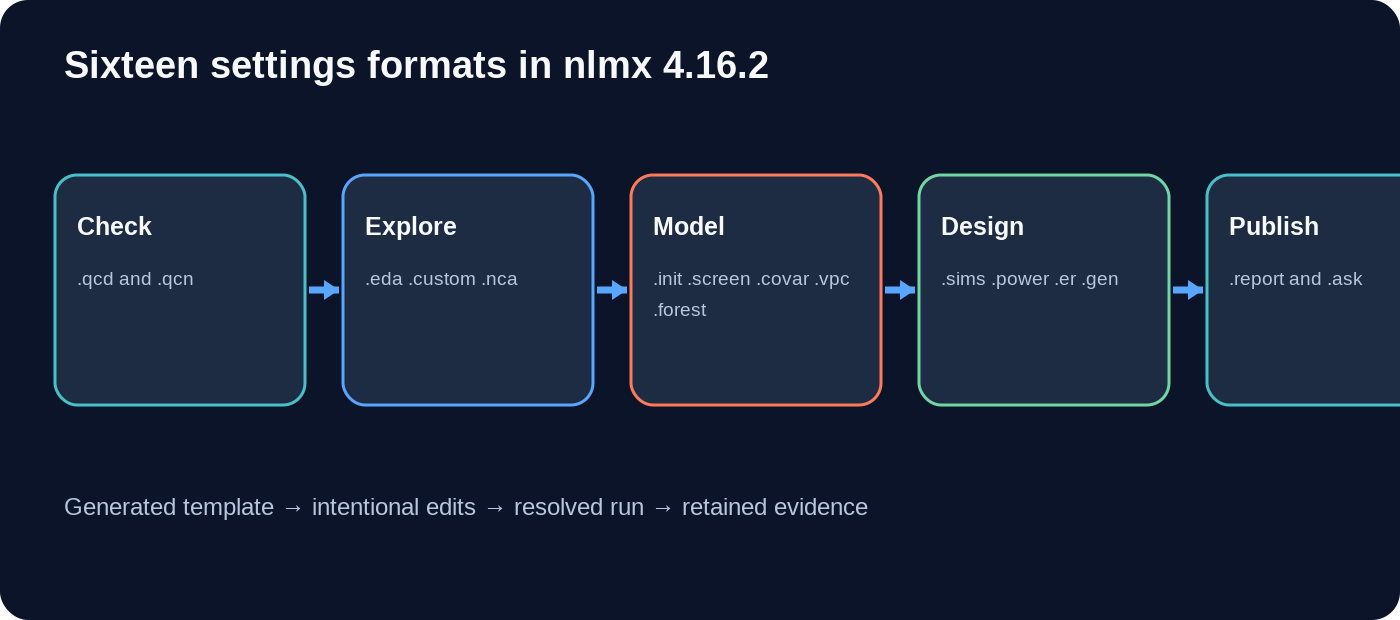
.screen is the settings format for screen. It defines candidate compartment/TMDD structures, route and lag choices, estimation controls, initialisation, ranking and qualification gates. The template snapshot used here was generated by nlmx 4.16.2; its SHA-256 is 2e7d2758f1d636d658707d755f3c95d73fe304abeeddaa31f8e611be7a5b681a.
Why this file matters
A recommendation is conditional on the candidates attempted, their convergence and the configured exclusion or qualification thresholds. Treat the file as controlled analysis source. A reviewer should be able to connect each active value to a design decision, data convention, method choice, output requirement or operational guardrail.
Generate and begin safely
nlmx screen --print-config study.screen
nlmx screen -c study.screen --output disposable-review
For .covar, generate the reference with nlmx schema --format toml and save it with the required extension. For every format, compare command-specific help before relying on the generic example above; commands differ in positional inputs, validation modes and whether --output is appropriate.
Template map
The snapshot represents 63 unique dotted key paths across 9 tables or top-level groups. Commented assignments are possibilities or examples; uncommented assignments form the generated example. The next page catalogs every represented key.
| Table | Unique keys represented | Review focus |
|---|---|---|
data |
19 | values and interactions inside this settings group |
models |
8 | values and interactions inside this settings group |
estimation |
5 | values and interactions inside this settings group |
initial |
5 | values and interactions inside this settings group |
autoinit |
6 | values and interactions inside this settings group |
selection |
7 | values and interactions inside this settings group |
output |
3 | values and interactions inside this settings group |
plots |
9 | values and interactions inside this settings group |
plots.colors |
1 | values and interactions inside this settings group |
Important interactions
- Candidate generation must cover the scientifically plausible structures.
- A failed fit is not evidence that a structure is false.
- AIC, BIC and LRT answer different comparison questions.
- Inspect precision, covariance, condition number, shrinkage and diagnostics before adopting
best_model.ctl.
Novice workflow
First identify the input population and artifact version. Second, delete or leave commented every option you do not intend to control. Third, edit one table at a time and keep short comments explaining study-specific values. Fourth, run into a new disposable folder and verify resolved inputs, paths, warnings and output count. Fifth, compare the result with the scientific question and expected behavior. Finally, retain the settings, command transcript and reviewed outputs together.
What validation can and cannot prove
Parsing proves that TOML syntax and recognized keys are acceptable. Command validation may prove that referenced data and values satisfy implemented checks. Neither proves that the selected population, endpoint, method, threshold or model is scientifically justified. That judgment belongs in the analysis plan and review record.
The exact generated snapshot is available at documents/ch37/reference/templates/nlmx.screen.
Navigation
See the previous page, next page, and complete settings reference.