13A.8 Command line, settings, and item precedence
A .custom file is a reusable pack, not merely a long command stored elsewhere. It can contain shared data/output/style defaults plus many [[plot]] and [[table]] blocks. The CLI can supply a dataset, override shared settings, and add one plot and one table.
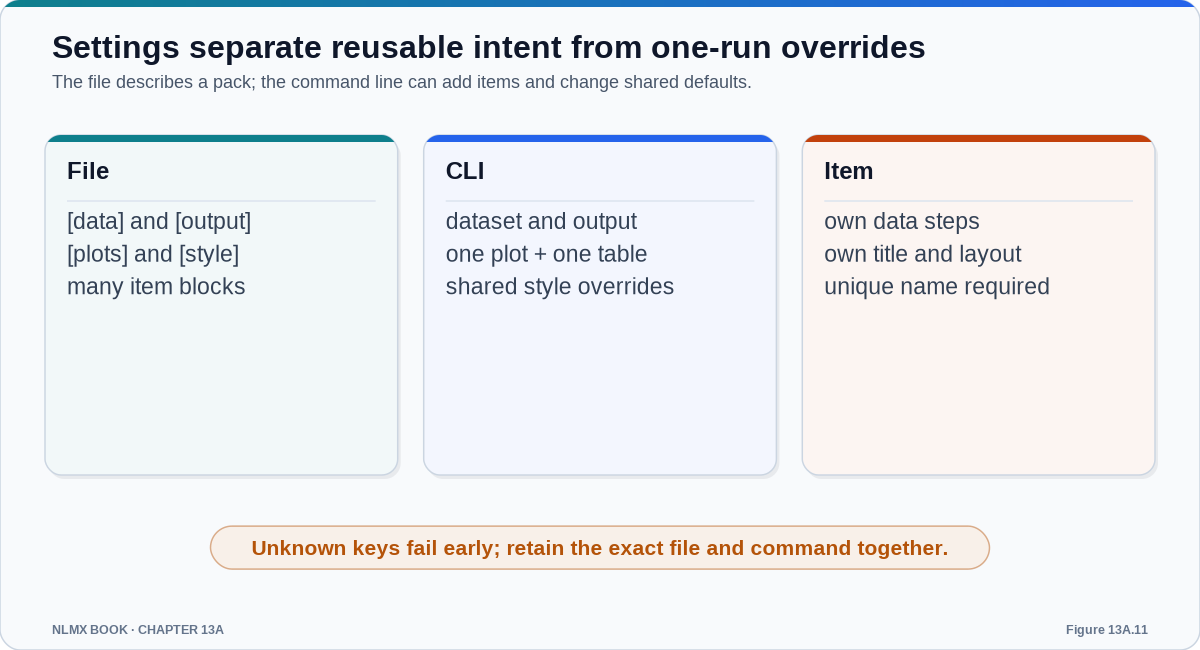
What is added and what is overridden
If a settings file already has three plots and the command line includes --geom histogram --x WT, the run creates four plots. The CLI plot is appended; it does not replace the three blocks. The same rule applies to a CLI table.
Shared CLI style options such as --theme, --palette, and --legend-position override file defaults for plots that do not set their own item value. Dataset precedence is positional input, then --data, then [data] file. CLI preparation options replace their corresponding shared file values where supplied; item-specific steps then run after shared preparation.
Relative paths in [data] file and [output] directory resolve from the .custom file's directory. A positional path is interpreted by the shell. This distinction allows portable analysis folders but can surprise users who launch from another working directory.
Unknown configuration keys are rejected. Unique plot names and unique table names are required within their own namespaces, case-insensitively. Unnamed single items default to plot or table; multiple unnamed items receive numbered names.
Common mistakes
- Expecting a CLI plot to replace file plots.
- Supplying the same name to two blocks.
- Assuming all paths start from the shell directory.
- Putting an item-specific subject reduction in shared
[data].
Checklist
- Count expected file and CLI items before running.
- Resolve config-relative paths deliberately.
- Give every durable item a stable unique name.
- Separate shared preparation from local preparation.
- Preserve the exact CLI alongside the settings file.
Further reading
See the command index, settings reference, fixed data steps, and output bundle.