36.16 report command reference
This chapter is a lookup reference for nlmx 4.16.1. Option tables are generated from the installed release executable. Read an option in the context of the command page: nlmx uses a global parser, but an accepted option can be irrelevant to a command unless its help text names that command or the command's method chapter defines the behavior.
The safe sequence is: identify the installed version, open that command's help, freeze input/settings/output paths, run into a new or empty output directory, inspect both the process status and the command-native verdict, and retain the log/resolved settings/checksums. A command line is reproducible only when its referenced files and software version are also frozen.
Synopsis
nlmx report [OPTIONS] [MARKDOWN]
Required context. Markdown from a file, standard input, or --markdown, plus optional document metadata and page/style choices.
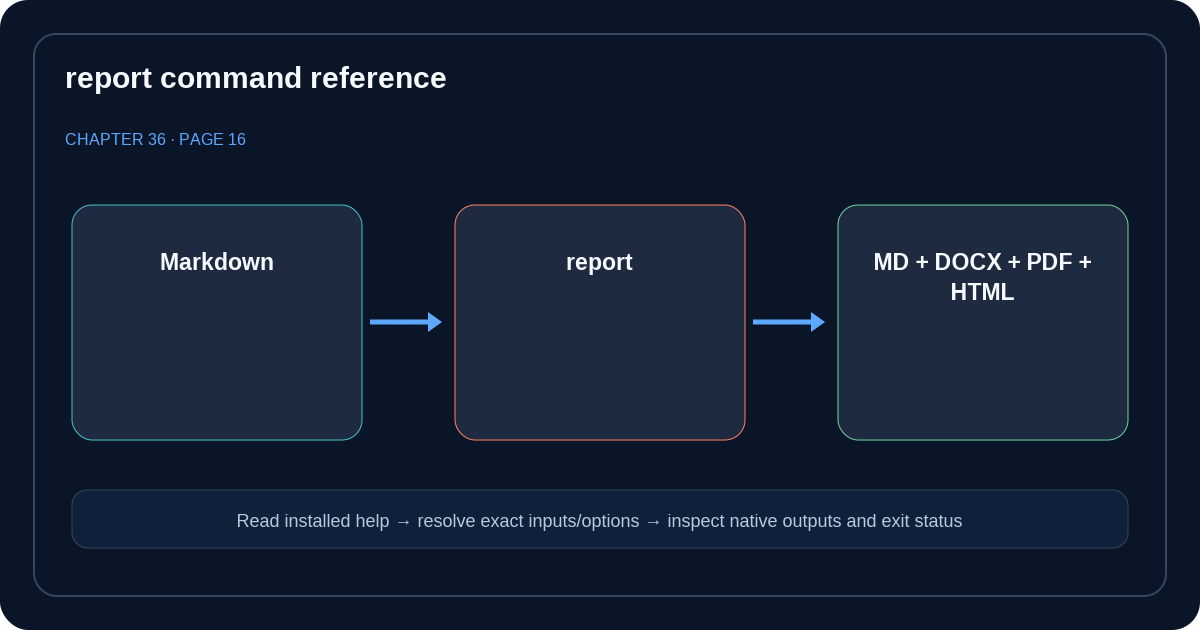
What it does. Publishes one Markdown source to retained Markdown, Word, PDF, and optional HTML while carrying supported structures and images.
Principal outputs. A base .md always, .docx and .pdf by default, optional .html, copied/embedded media as applicable, log, and checksums.
Positional arguments shown by installed help
[MARKDOWN]
          Markdown file (.md), or - for standard input; same as [input] file in the settings file
Practical invocations
nlmx report report.md --toc --html -o publicationGet-Content summary.md | nlmx report --title 'Study summary' -o publication
Start with installed help and, when available, generate the complete settings template before entering study choices. Run into a new or empty output folder. After completion, review the command's native summary/verdict, warnings, logs, resolved settings, and checksum manifest—not only the console's final line.
Complete installed option reference
The following 38 options are parsed directly from nlmx 4.16.1 report --help. The unmodified txthelp snapshot and its SHA-256 are preserved in the jsonhelp inventory. Shared descriptions sometimes mention several commands; apply only the clause naming report unless its method chapter specifies otherwise.
Options
| Option | Installed description |
|---|---|
-h, --help |
Print help |
Method
| Option | Installed description |
|---|---|
--threads <THREADS> |
Worker threads for subject- and replicate-level parallelism (default: all cores). Results do not depend on this value |
Core
| Option | Installed description |
|---|---|
-c, --config <FILE> |
Settings file of the command (TOML syntax), with the command's extension: .covar (cov, posterior, inspect, validate, fit), .qcd, .qcn, .eda, .nca, .init, .screen, .vpc, .forest, .sims, .er, .power, .gen, .ask |
-o, --output <OUTPUT> |
Output directory |
--run-dir <RUN_DIR> |
Existing run directory, for resume |
--overwrite |
Allow writing into a non-empty output directory |
--dry-run |
Run the validation pipeline instead of the full analysis |
--no-checkpoint |
Do not write replicate checkpoints (posterior engine) |
Shared numerics
| Option | Installed description |
|---|---|
--seed <SEED> |
Master seed (uncertainty draws, resampling, posterior draws, vpc simulations, autoinit ML) |
Logging and output
| Option | Installed description |
|---|---|
--suppress-console <0|1> |
0 (default) prints progress to the terminal; 1 silences it (the log is still written) |
--log-file <LOG_FILE> |
Write the transcript here instead of log_<id>.txt |
--no-color |
Disable ANSI colour |
--license |
Print the license (CC BY-ND 4.0), the third-party components, how long this version may be used and how to contact the author, and stop |
-v, --verbose... |
Increase verbosity (repeatable: info -> debug -> trace) |
-q, --quiet |
Errors only on the terminal (the log file is unaffected) |
--keep-subject-ids |
Do not hash subject identifiers in outputs |
--format <FORMAT> |
Output format for schema: txt | toml | json | json-schema [default: txt] |
Generate and simulation study
| Option | Installed description |
|---|---|
--author <NAME> |
generate: author named in the header of every control stream (default Obinna Obianom); report: author of the document |
VPC
| Option | Installed description |
|---|---|
--print-config <FILE> |
write the command's annotated settings template to FILE (with the command's extension, e.g. nlmx.eda, nlmx.vpc) and exit |
Custom
| Option | Installed description |
|---|---|
--title <TEXT> |
custom: plot title; report: title of the document |
--subtitle <TEXT> |
custom: plot subtitle; report: subtitle of the document |
--no-html |
custom: do not write the tables as HTML; report: no HTML document (the default) |
Report
| Option | Installed description |
|---|---|
--markdown <TEXT> |
report: the Markdown text itself, instead of a file (use "-" as the file to read standard input) |
--file-name <NAME> |
report: base file name of the outputs, without extension or folder (default: the name of the Markdown file, or "report") |
--no-docx |
report: do not write the Word document (.docx) |
--no-pdf |
report: do not write the PDF document (.pdf) |
--html |
report: also write an HTML document (.html); off by default |
--date <TEXT> |
report: date shown under the title ("today" writes the current date) |
--lang <CODE> |
report: language code of the Word and HTML documents (default en) |
--page-size <SIZE> |
report: page size of the Word and PDF documents: a3 | a4 | a5 | letter | legal (default a4) |
--landscape |
report: landscape pages |
--margin <MM> |
report: page margin in millimetres, 5 to 60 (default 25) |
--font-size <PT> |
report: body font size in points, 6 to 24 (default 11) |
--toc |
report: put a table of contents after the title block |
--toc-depth <N> |
report: heading levels listed in the table of contents, 1 to 6 (default 3) |
--no-page-numbers |
report: no page numbers in the footer of the Word and PDF documents |
--css <FILE> |
report: a style sheet (.css) added to the HTML document |
Plots (vpc, fit, autoinit, screen, nca)
| Option | Installed description |
|---|---|
--plots |
vpc, fit, autoinit, screen: also write publication plots to <output>/plots (PNG, theme_classic style) |
Interpretation and common failure
Rendering success is not visual approval. Inspect page breaks, tables, equations, image resolution, links, fonts, headers/footers, metadata, and PDF/DOCX parity before release.
The detailed method and examples are in the relevant book chapter. Common nonzero process classes are documented on 36.35. A process exit of zero still requires command-native scientific and numerical review.
Minimal handoff record
Record the version, exact command and working directory, input/settings hashes, selected options and defaults, output path, process exit, native verdict or convergence state, warnings/exclusions, principal results with uncertainty, checksum verification, and reviewer disposition.
Navigation
See the previous page, next page, and complete command index.