37.12 Custom plot-and-table settings: complete generated key catalogue
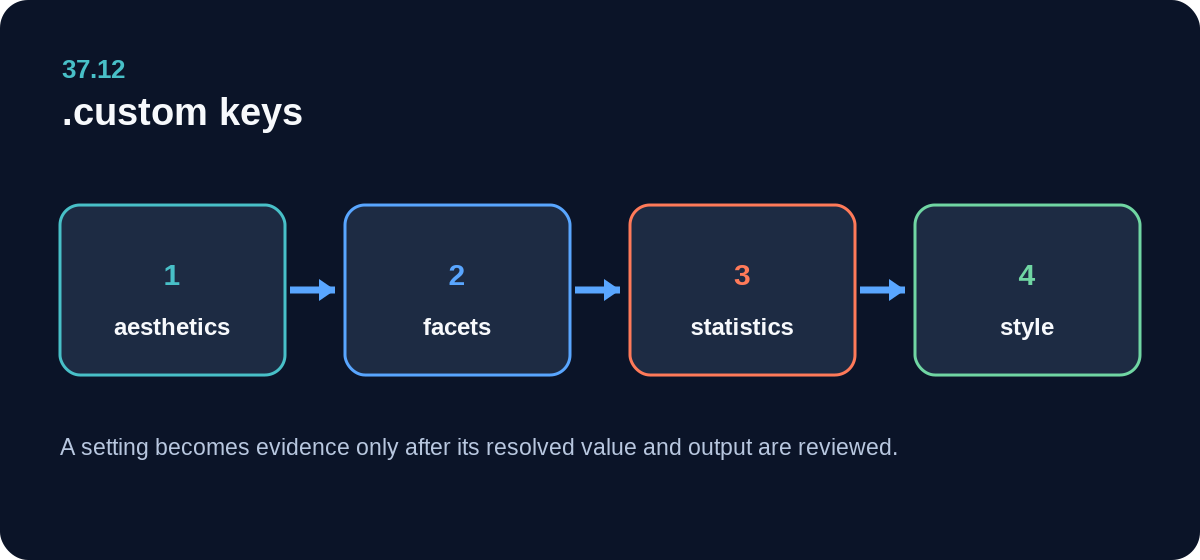
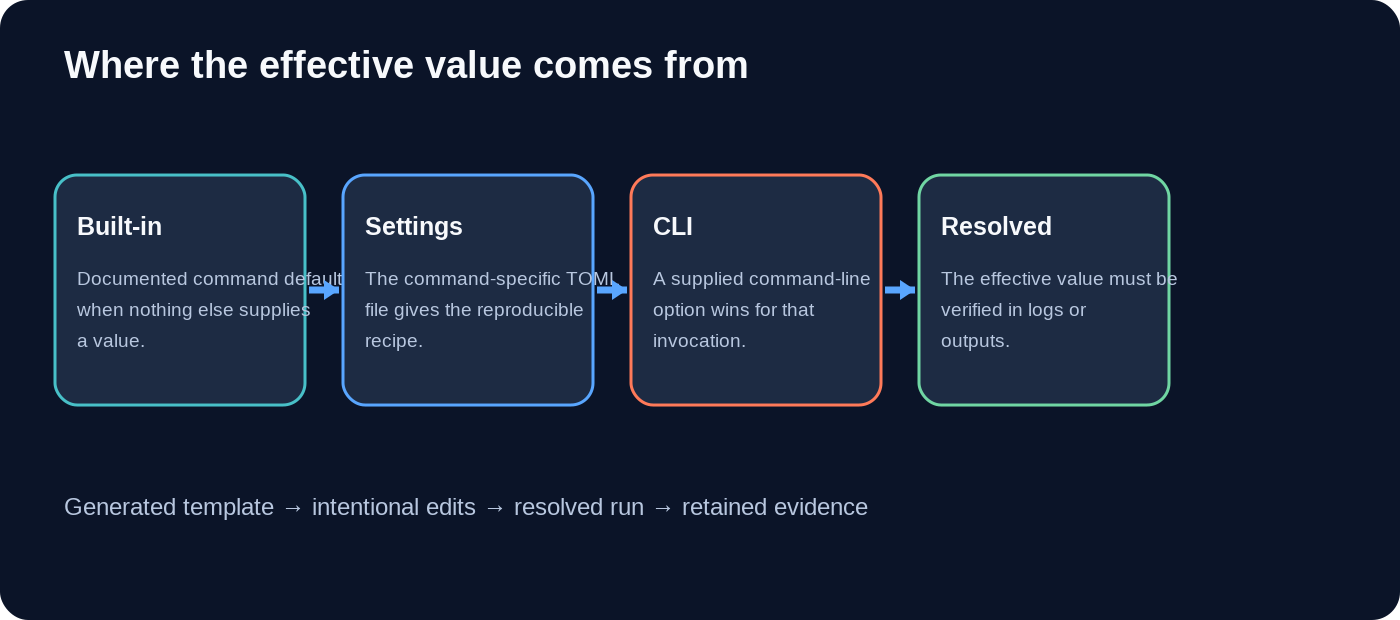
This is the exhaustive generated-template catalogue for nlmx.custom in nlmx 4.16.2. It contains 29 unique dotted key paths. “Active” means the generated example assigns the key; “commented example” means the template exposes it without assigning it. The value column is a template value or example—not automatically the program default. Defaults and constraints are reported only when the nearby template annotation states them.
How to use the table
Search by the full table and key context. Preserve TOML type: do not quote numbers or Booleans, and do not replace an array with a comma-separated string unless the template explicitly uses a string grammar. When two settings interact, use the orientation page and command chapter to review the combination rather than interpreting rows independently.
data
| Key | Type | Template state | Generated value/example | Template annotation and constraints |
|---|---|---|---|---|
file |
string | commented example | "sdtab101" |
the dataset (or give it on the command line) |
delimiter |
string | active | "auto" |
auto | comma | semicolon | tab | space |
skip |
integer | active | 0 |
lines to ignore at the top (a title line above the names, ...) |
header |
Boolean | active | true |
false: no column names in the file; the columns are A, B, C, ... |
mutate |
array | commented example | ["LNDV = log(DV)", "OBESE = ifelse(WT > 100, 1, 0)"] |
The data steps, in this order: mutate, filter, distinct, sort, head, select. R syntax |
filter |
string | commented example | "EVID == 0 & DV > 0" |
keep these rows |
distinct |
array | commented example | ["ID"] |
the first row of each ID (a subject-level table) |
sort |
array | commented example | ["ID", "-TIME"] |
a leading - sorts downwards |
head |
integer | commented example | 100 |
only the first rows |
select |
array | commented example | ["ID", "TIME", "DV", "PRED"] |
No default or constraint is stated on this template line; consult the command page and resolved run. |
output
| Key | Type | Template state | Generated value/example | Template annotation and constraints |
|---|---|---|---|---|
directory |
string | commented example | "custom_out" |
default: |
csv |
Boolean | active | true |
tables as CSV |
markdown |
Boolean | active | true |
tables as Markdown |
html |
Boolean | active | true |
tables as HTML |
tables |
Boolean | active | true |
false: no tables at all |
json |
Boolean | active | true |
custom_summary.json |
digits |
integer | active | 3 |
significant digits in the tables |
settings_file |
Boolean | active | true |
custom_settings.custom: this run as a settings file (--no-settings-file) |
plots
| Key | Type | Template state | Generated value/example | Template annotation and constraints |
|---|---|---|---|---|
width |
integer | commented example | 7 |
Size and format of every plot (command line: --plot-width, --plot-height, --plot-units, --plot-dpi, --plot-base-size, --plot-format). |
height |
integer | commented example | 5 |
No default or constraint is stated on this template line; consult the command page and resolved run. |
units |
string | commented example | "in" |
in | cm | mm | px |
dpi |
integer | commented example | 300 |
No default or constraint is stated on this template line; consult the command page and resolved run. |
base_size |
integer | commented example | 11 |
font size in points |
format |
string | commented example | "png" |
png | svg | both |
enabled |
Boolean | commented example | true |
false: tables only |
style
| Key | Type | Template state | Generated value/example | Template annotation and constraints |
|---|---|---|---|---|
theme |
string | commented example | "classic" |
Defaults for every plot that does not set its own. classic | bw | minimal | gray |
palette |
string | commented example | "okabe-ito" |
okabe-ito | tableau | set1 | dark2 | pastel | viridis | grey, |
legend_position |
string | commented example | "right" |
or a list of colours "#0072B2,#D55E00", or LEVEL=colour pairs right | left | bottom | top | none |
seed |
integer | commented example | 11456 |
jitter |
Catalogue review checklist
- The key appears under the intended table and uses the exact spelling.
- Its TOML type matches the generated example.
- Any stated enumeration, range or unit is satisfied.
- Required companion keys and mutually exclusive choices are reconciled.
- Relative paths resolve from the documented base.
- CLI overrides are recorded with the run.
- The effective value and its scientific consequence are reviewed in output evidence.
Source snapshot: nlmx.custom.
Navigation
See the previous page, next page, and complete settings reference.