37.31 Synthetic-project generation settings: purpose, structure, and workflow
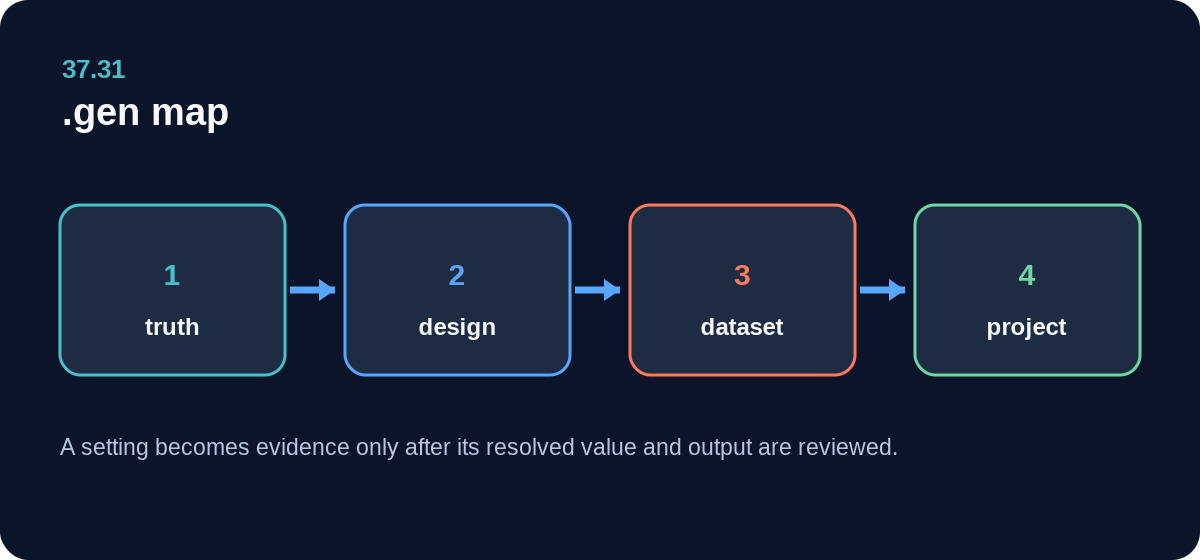
.gen is the settings format for generate / example. It specifies a known truth model, population, treatment groups, regimen, sampling, variability, covariate effects, estimation and generated project layout. The template snapshot used here was generated by nlmx 4.16.2; its SHA-256 is 6851e3a124fdb966f0cf8e6d42389874a97564ab4b2a9f6b4aa0f113b8f76750.
Why this file matters
A synthetic project validates only the represented scenarios; recovery from a convenient truth does not establish performance on unrepresented data problems. Treat the file as controlled analysis source. A reviewer should be able to connect each active value to a design decision, data convention, method choice, output requirement or operational guardrail.
Generate and begin safely
nlmx generate --print-config study.gen
nlmx generate -c study.gen --output disposable-review
For .covar, generate the reference with nlmx schema --format toml and save it with the required extension. For every format, compare command-specific help before relying on the generic example above; commands differ in positional inputs, validation modes and whether --output is appropriate.
Template map
The snapshot represents 39 unique dotted key paths across 11 tables or top-level groups. Commented assignments are possibilities or examples; uncommented assignments form the generated example. The next page catalogs every represented key.
| Table | Unique keys represented | Review focus |
|---|---|---|
data |
1 | values and interactions inside this settings group |
design |
3 | values and interactions inside this settings group |
groups |
3 | values and interactions inside this settings group |
regimen |
3 | values and interactions inside this settings group |
sampling |
3 | values and interactions inside this settings group |
parameters |
8 | values and interactions inside this settings group |
variability |
3 | values and interactions inside this settings group |
covariates |
2 | values and interactions inside this settings group |
population |
8 | values and interactions inside this settings group |
estimation |
1 | values and interactions inside this settings group |
output |
4 | values and interactions inside this settings group |
Important interactions
- Retain both true values and estimated outputs.
- Vary dose, design, missingness and covariate distributions across validation scenarios.
- Separate generation seed from downstream analysis seeds.
- Inspect generated control streams and datasets before treating them as reference fixtures.
Novice workflow
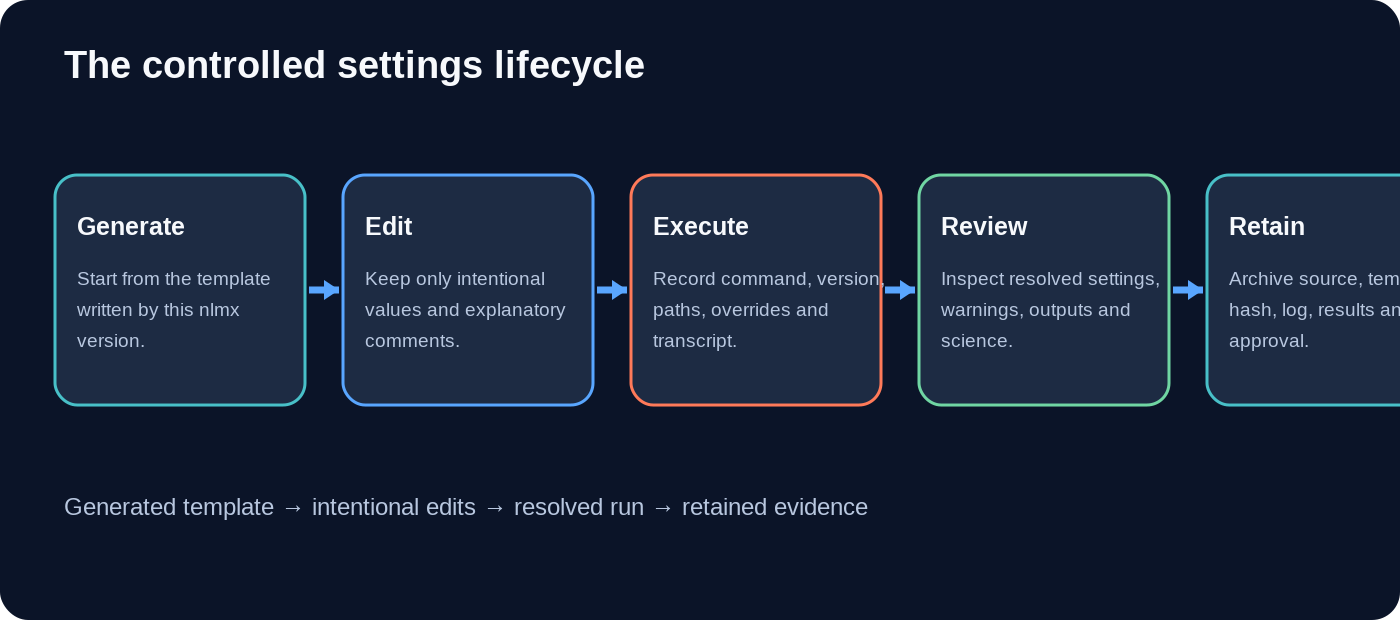
First identify the input population and artifact version. Second, delete or leave commented every option you do not intend to control. Third, edit one table at a time and keep short comments explaining study-specific values. Fourth, run into a new disposable folder and verify resolved inputs, paths, warnings and output count. Fifth, compare the result with the scientific question and expected behavior. Finally, retain the settings, command transcript and reviewed outputs together.
What validation can and cannot prove
Parsing proves that TOML syntax and recognized keys are acceptable. Command validation may prove that referenced data and values satisfy implemented checks. Neither proves that the selected population, endpoint, method, threshold or model is scientifically justified. That judgment belongs in the analysis plan and review record.
The exact generated snapshot is available at documents/ch37/reference/templates/nlmx.gen.
Navigation
See the previous page, next page, and complete settings reference.