Documentation

36A.19 Complete report command-line reference

Complete report command-line reference
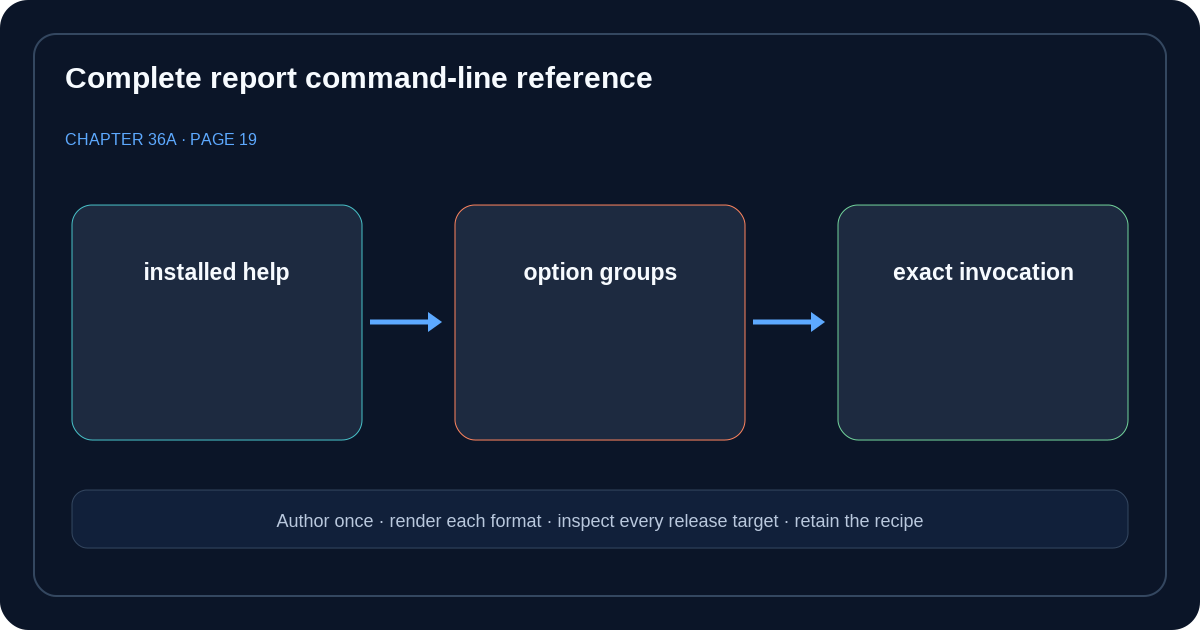
Structural Chapter 36A diagram

nlmx report publishes one Markdown source into retained Markdown, Word and PDF by default, with optional HTML. The command solves document generation; it does not validate the scientific analysis or approve its interpretation. Treat the source Markdown and .report file as the controlled recipe, and treat every released format as a separate review target.

Reading the table

The installed 4.16.2 report --help displays report-specific options plus shared parser options. The complete table below preserves all displayed entries. Options such as --run-dir, --dry-run, --no-checkpoint, --seed, --keep-subject-ids, --format, --threads and --plots are exposed by the global parser but do not define report publication behavior; omit irrelevant options from report scripts.

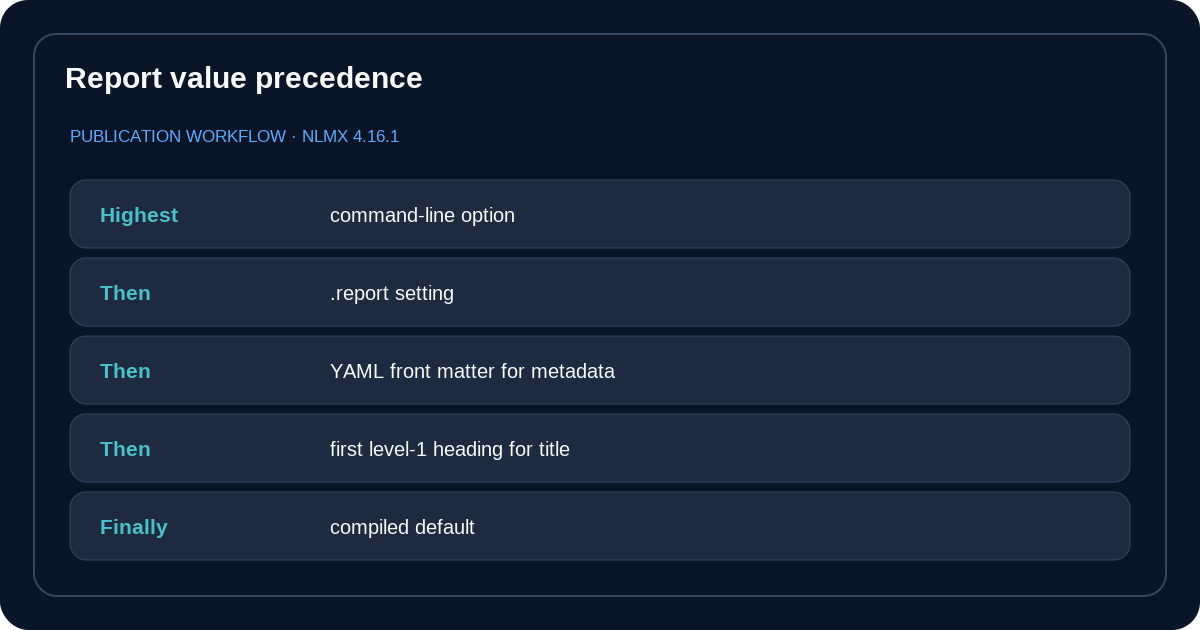
Command-line options override .report values. -h/--help, --license and --print-config stop after printing/writing their informational result. --overwrite applies to generated outputs, never to the source Markdown itself.

Use the txtunmodified installed help snapshot when auditing the generated table. The machine-readable reference inventory stores its SHA-256.

CLI review example

Read the synopsis from installed help, then build the shortest meaningful invocation. Prefer nlmx report -c study.report --log-file report.log over repeating all layout choices. Use CLI overrides for deliberate one-run changes and record them because they are not visible in the .report file. Before approval, compare startup lines for config/output/log to intended absolute paths. If an option appears only because the global parser exposes it and has no report meaning, remove it. This makes scripts self-explanatory and reduces false expectations about seeds, threads or dry-run behavior.

Installed option tables

The installed help contains 38 displayed options.

Options

Option Installed description
-h, --help Print help

Method

Option Installed description
--threads <THREADS> Worker threads for subject- and replicate-level parallelism (default: all cores). Results do not depend on this value

Core

Option Installed description
-c, --config <FILE> Settings file of the command (TOML syntax), with the command's extension: .covar (cov, posterior, inspect, validate, fit), .qcd, .qcn, .eda, .nca, .init, .screen, .vpc, .forest, .sims, .er, .power, .gen, .ask
-o, --output <OUTPUT> Output directory
--run-dir <RUN_DIR> Existing run directory, for resume
--overwrite Allow writing into a non-empty output directory
--dry-run Run the validation pipeline instead of the full analysis
--no-checkpoint Do not write replicate checkpoints (posterior engine)
Shared numerics

Option Installed description
--seed <SEED> Master seed (uncertainty draws, resampling, posterior draws, vpc simulations, autoinit ML)

Logging and output

Option Installed description
--suppress-console <0|1> 0 (default) prints progress to the terminal; 1 silences it (the log is still written)
--log-file <LOG_FILE> Write the transcript here instead of log_<id>.txt
--no-color Disable ANSI colour
--license Print the license (CC BY-ND 4.0), the third-party components, how long this version may be used and how to contact the author, and stop
-v, --verbose... Increase verbosity (repeatable: info -> debug -> trace)
-q, --quiet Errors only on the terminal (the log file is unaffected)
--keep-subject-ids Do not hash subject identifiers in outputs
--format <FORMAT> Output format for schema: txt | toml | json | json-schema [default: txt]

Generate and simulation study

Option Installed description
--author <NAME> generate: author named in the header of every control stream (default Obinna Obianom); report: author of the document

VPC

Option Installed description
--print-config <FILE> write the command's annotated settings template to FILE (with the command's extension, e.g. nlmx.eda, nlmx.vpc) and exit

Custom

Option Installed description
--title <TEXT> custom: plot title; report: title of the document
--subtitle <TEXT> custom: plot subtitle; report: subtitle of the document
--no-html custom: do not write the tables as HTML; report: no HTML document (the default)

Report

Option Installed description
--markdown <TEXT> report: the Markdown text itself, instead of a file (use "-" as the file to read standard input)
--file-name <NAME> report: base file name of the outputs, without extension or folder (default: the name of the Markdown file, or "report")
--no-docx report: do not write the Word document (.docx)
--no-pdf report: do not write the PDF document (.pdf)
--html report: also write an HTML document (.html); off by default
--date <TEXT> report: date shown under the title ("today" writes the current date)
--lang <CODE> report: language code of the Word and HTML documents (default en)
--page-size <SIZE> report: page size of the Word and PDF documents: a3 | a4 | a5 | letter | legal (default a4)
--landscape report: landscape pages
--margin <MM> report: page margin in millimetres, 5 to 60 (default 25)
--font-size <PT> report: body font size in points, 6 to 24 (default 11)
--toc report: put a table of contents after the title block
--toc-depth <N> report: heading levels listed in the table of contents, 1 to 6 (default 3)
--no-page-numbers report: no page numbers in the footer of the Word and PDF documents
--css <FILE> report: a style sheet (.css) added to the HTML document

Plots (vpc, fit, autoinit, screen, nca)

Option Installed description
--plots vpc, fit, autoinit, screen: also write publication plots to <output>/plots (PNG, theme_classic style)

Practical review questions

  • Does the released content answer the stated question without exceeding the evidence?
  • Can every number, table, figure and decision be traced to a retained native file and run?
  • Were all generated targets—not merely the source—inspected after the latest change?
  • Are warnings, failed runs, limitations and unverified steps visible rather than silently omitted?
  • Could another qualified analyst rebuild the same document from the retained recipe?

See the previous page, next page, and complete report reference.