15.17 NCA figure families and individual pages
NCA publication figures are enabled by default. [figures] controls which analytical views are generated, while [plots] controls file encoding and appearance.
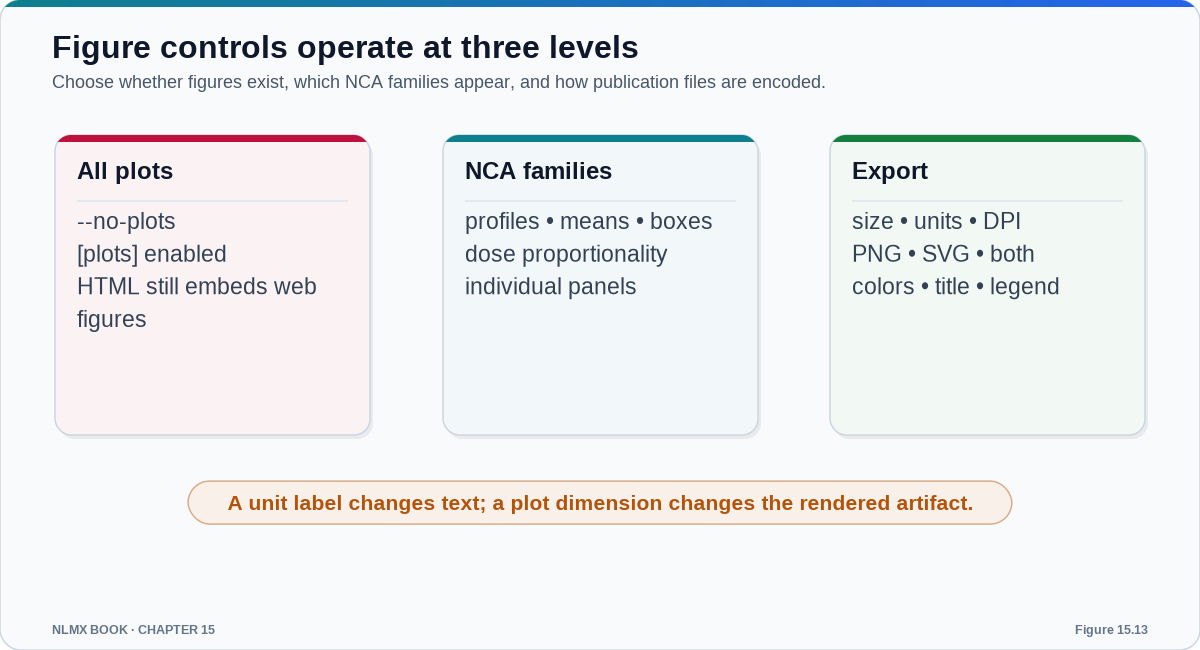
Figure families
profiles=true permits overall profile views. linear and semilog control their y-scale variants. mean_profile=true produces group means; error_bars accepts sd, sem, ci95, or none, and geometric_mean=true changes the center/spread convention. time_bin groups close sample times for the mean profile; zero requires exact time equality.
boxplots lists parameter names, defaulting to Cmax, AUClast, observed AUCinf, and half-life. dose_proportionality=true draws eligible power-model figures.
Individual pages
Individual plots use a facet-like grid. Defaults are four rows × four columns, logarithmic y axes, free panel scales, no joining lines, and no rings around selected terminal points. CLI controls expose rows, columns, y scale, terminal rings, lines, and disabling all individual pages.
Configuration additionally provides:
individual_scales = "free"|"fixed";max_individualto cap plotted profiles;individual_widthandindividual_heightfor page size;individual=falseto omit pages.
Every eligible panel shows observations and terminal fit; the fitted portion is solid and extrapolation is dashed. An IV bolus panel can show back-extrapolated C0. A log page omits profiles with no positive concentration.
Use free scales to inspect shapes and fixed scales to compare magnitude. A maximum cap is a rendering control, not a sampling method; document which profiles were not shown and review flags separately.
Common mistakes
- Assuming
--no-individual-plotsdisables every NCA plot. - Reading geometric-mean error bars as arithmetic SD.
- Using free scales to compare absolute exposure visually.
- Capping individual panels and claiming every profile was reviewed.
Checklist
- Select figure families for the review question.
- Label center/error conventions.
- Choose free or fixed scales deliberately.
- Ring terminal points for lambda-z review.
- Reconcile plotted profile count with parameter rows.
Further reading
See publication export, lambda-z audit tables, and Chapter 10's figure guidance.