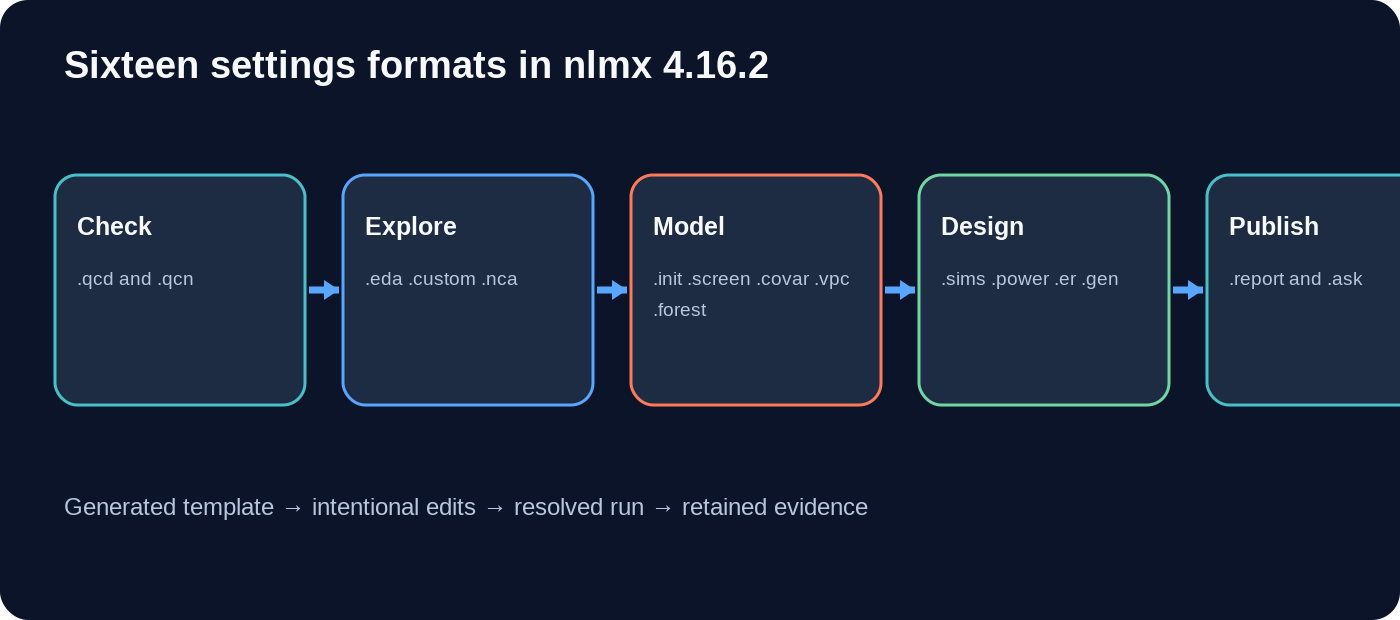
This is the exhaustive generated-template catalogue for nlmx.forest in nlmx 4.16.2. It contains 67 unique dotted key paths. “Active” means the generated example assigns the key; “commented example” means the template exposes it without assigning it. The value column is a template value or example—not automatically the program default. Defaults and constraints are reported only when the nearby template annotation states them.
How to use the table
Search by the full table and key context. Preserve TOML type: do not quote numbers or Booleans, and do not replace an array with a comma-separated string unless the template explicitly uses a string grammar. When two settings interact, use the orientation page and command chapter to review the combination rather than interpreting rows independently.
inputs
Key
Type
Template state
Generated value/example
Template annotation and constraints
control_stream
string
commented example
"run102.ctl"
or give it on the command line (required)
results_dir
string
commented example
"run102_fit"
folder with the estimation outputs (.ext, .cov)
ext
string
commented example
"run102.ext"
final estimates (default: results_dir, then
cov
string
commented example
"run102.cov"
# .ext beside the control stream, then _fit/) covariance matrix (default: beside the estimates)
data
string
commented example
"../data/analysis.csv"
default: $DATA of the control stream
parameter_file
string
commented example
"bootstrap.csv"
parameter sets (THETA1.., OMEGA(1,1)..) instead of the .cov
forest
Key
Type
Template state
Generated value/example
Template annotation and constraints
parameters
array
active
[]
--parameters CL,V: default every parameter whose code uses a covariate
covariates
array
active
[]
--forest-covariates WT,SEX: default every covariate the model uses
quantiles
array
active
[5, 95]
--quantiles: percentiles shown for a continuous covariate
max_categories
integer
active
5
a covariate with at most this many whole-number values is categorical
uncertainty
string
active
"auto"
auto (.cov or parameter_file when found) | cov | file | none (--no-uncertainty)
samples
integer
active
1000
--samples: parameter draws for the confidence intervals
ci
integer
active
90
--ci: confidence level (%)
seed
integer
active
20240611
--seed
max_attempts
integer
active
100
redraws when a draw leaves the THETA bounds
show_bsv
Boolean
active
true
--no-bsv: rows with the between-subject variability of each parameter
bsv_pi
integer
active
90
share (%) of subjects the BSV row covers
inverse
array
active
[]
--inverse CL: show 1/P too (exposure, e.g. AUC ~ 1/CL)
show_reference
Boolean
active
false
a row for the reference subject (ratio 1)
reference
Key
Type
Template state
Generated value/example
Template annotation and constraints
WT
integer
commented example
70
No default or constraint is stated on this template line; consult the command page and resolved run.
values
Key
Type
Template state
Generated value/example
Template annotation and constraints
WT
array
commented example
[50, 90]
No default or constraint is stated on this template line; consult the command page and resolved run.
EGFR
array
commented example
[30, 60, 90]
No default or constraint is stated on this template line; consult the command page and resolved run.
labels
Key
Type
Template state
Generated value/example
Template annotation and constraints
WT
string
commented example
"Body weight (kg)"
No default or constraint is stated on this template line; consult the command page and resolved run.
level_labels
Key
Type
Template state
Generated value/example
Template annotation and constraints
SEX
inline table
commented example
{ 0 = "Male", 1 = "Female" }
No default or constraint is stated on this template line; consult the command page and resolved run.
parameter_labels
Key
Type
Template state
Generated value/example
Template annotation and constraints
CL
string
commented example
"Clearance (L/h)"
No default or constraint is stated on this template line; consult the command page and resolved run.
scenarios[]
Key
Type
Template state
Generated value/example
Template annotation and constraints
name
string
commented example
"Elderly woman, 50 kg"
No default or constraint is stated on this template line; consult the command page and resolved run.
values
inline table
commented example
{ AGE = 80, SEX = 1, WT = 50 }
No default or constraint is stated on this template line; consult the command page and resolved run.
exposure
Key
Type
Template state
Generated value/example
Template annotation and constraints
metrics
array
active
[]
steady state and compares the geometric means of covariate subgroups; "typical" simulates the typical subject at the covariate values of the parameter rows (confidence intervals f…
source
string
active
"posthoc"
--exposure-source: posthoc | typical
regimen
string
active
"common"
--ss-regimen: common (the most frequent regimen, for every subject, so
dose
integer
commented example
100
subgroups are compared at the same dose) | own (each subject's last dose) --ss-dose: dose per administration (overrides the regimen's dose)
interval
integer
commented example
24
--ss-interval: dosing interval tau, h (default: each subject's II)
infusion
integer
commented example
1
--ss-infusion: infusion duration, h (default: as in the data; 0 = bolus)
cmt
integer
commented example
1
--ss-cmt: dosing compartment (default: as in the data)
bins
array
active
[25, 75]
--exposure-bins: percentiles splitting a continuous covariate (posthoc)
reference
string
active
"group"
--exposure-reference: group (the subgroup holding the median or
only
Boolean
active
false
most frequent level) | all (all subjects) --exposure-only: exposure rows only, no parameter rows
phi
string
commented example
"run102.phi"
--phi: individual ETAs (default: .phi beside the estimates;
grid
integer
active
240
otherwise the conditional modes are estimated) time points per dosing interval
plot
Key
Type
Template state
Generated value/example
Template annotation and constraints
layout
string
active
"stacked"
--layout: stacked (parameters one above the other) | side (side by side)
x_scale
string
active
"log"
--x-scale: log | linear
x_limits
array
commented example
[0.5, 2]
--x-limits 0.5,2 (default: from the intervals)
band
array
active
[0.8, 1.25]
--reference-band 0.8,1.25: the no-relevant-effect band
show_band
Boolean
active
true
--no-band
show_values
Boolean
active
true
--no-values: the "1.12 [0.98, 1.27]" column
title
string
commented example
"Covariate effects on PK parameters"
No default or constraint is stated on this template line; consult the command page and resolved run.